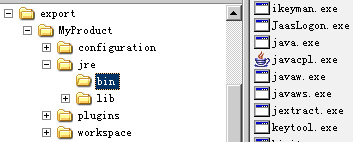
Eclipse 3.1 引入 Production Configuration 前,RCP 應用打包分發極其繁瑣。該功能讓開發者將應用、依賴外掛、品牌元素一鍵封裝為獨立可執行產品,徹底脫離 Eclipse 平台依賴。
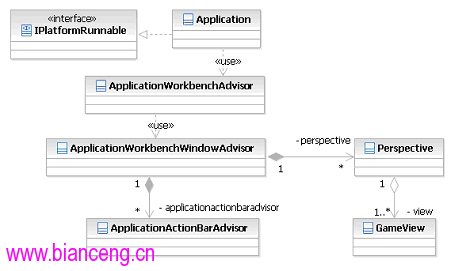
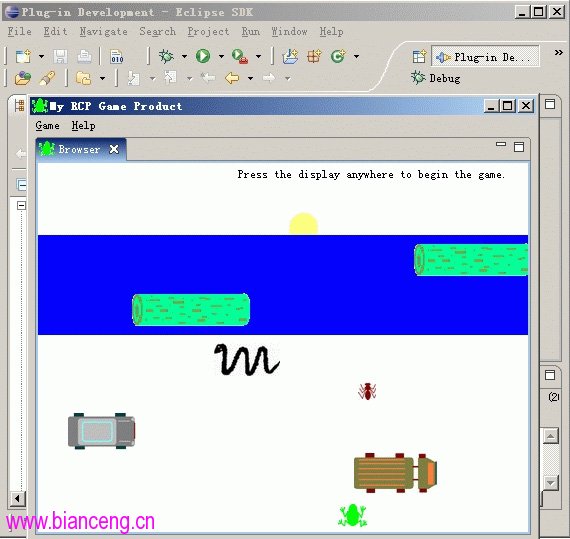
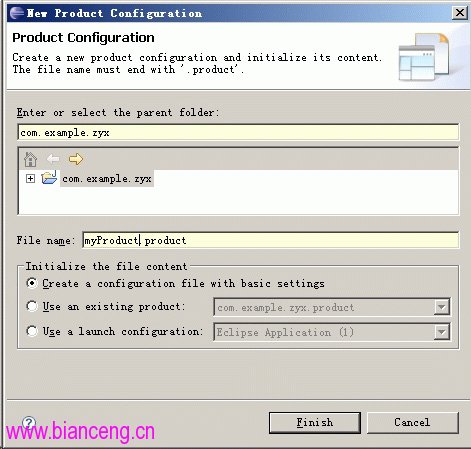
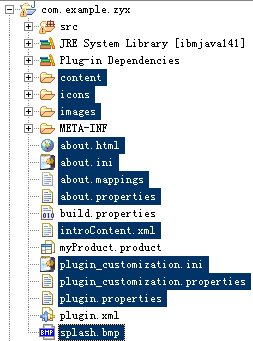
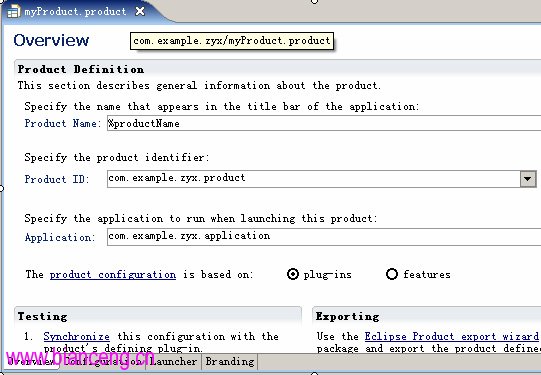
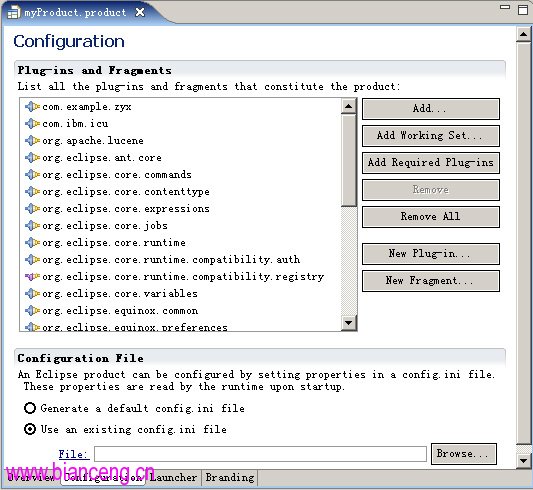
Hello RCP 模板建立外掛專案 com.example.zyxIPlatformRunnable 入口,雙緩衝繪圖遊戲邏輯(GameView)org.eclipse.ui.views 註冊視圖myProduct.product%productName(引用 plugin.properties)com.example.zyx → Application com.example.zyx.application → ID productconfig.ini,關鍵屬性:
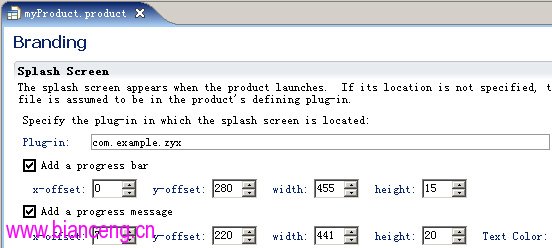
osgi.splashPath=platform:/base/plugins/com.example.zyx
eclipse.product=com.example.zyx.product
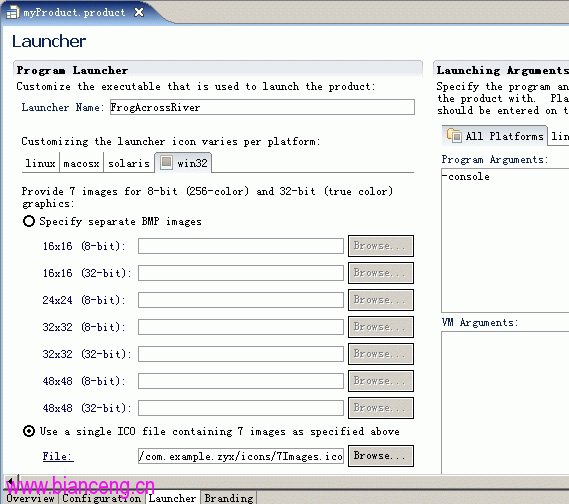
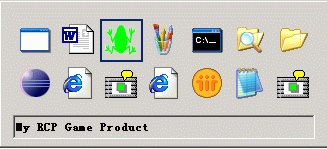
osgi.bundles.defaultStartLevel=4FrogAcrossRiver(產生 .exe/.ini).ico 包含 7 種尺寸/色深(16×16~48×48,4/8/32 位)-console(啟動時顯示主控台)| 元素 | 配置要點 |
|---|---|
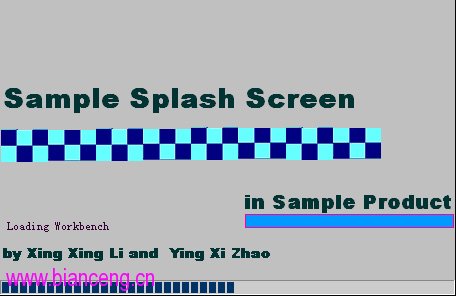
| Splash Screen | 根目錄 splash.bmp,進度條/訊息偏移座標設定 |
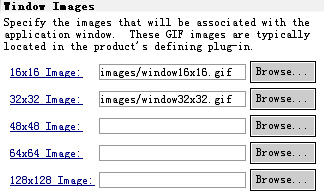
| 視窗圖示 | 16×16(標題列/工作列)、32×32(Alt+Tab),GIF 格式 |
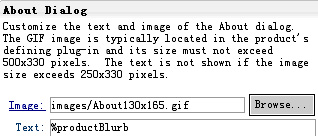
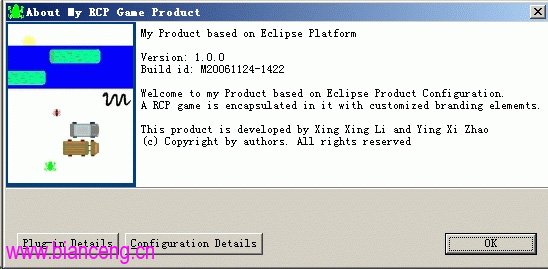
| About 對話框 | 圖示 + 文字(引用 plugin.properties 的 %productBlurb) |
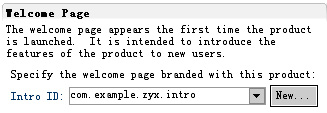
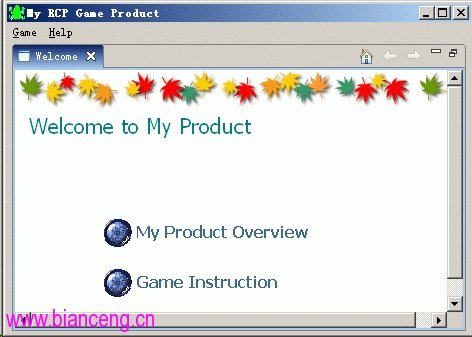
| 歡迎頁面 | 擴展 org.eclipse.ui.intro + org.eclipse.ui.intro.config,HTML 內容 |
plugin.xml<property name="preferenceCustomization" value="plugin_customization.ini"/>
<property name="windowImages" value="icons/alt_window_16.gif,icons/alt_window_32.gif"/>// Help → About
aboutAction = ActionFactory.ABOUT.create(window);
helpMenu.add(aboutAction);
// Help → Welcome
introAction = ActionFactory.INTRO.create(window);
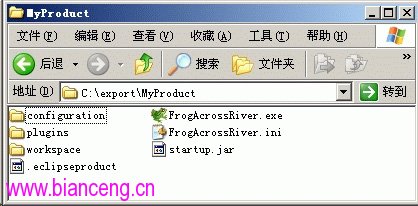
helpMenu.add(introAction);C:\export\MyProductFrogAcrossRiver.exe 圖標、.ini 參數.ico 缺少規定尺寸 → 啟動器品牌化失敗-clean 會隱藏 Splash Screen