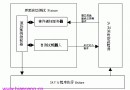
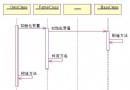
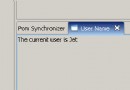
TVT(Translation Verification Testing)需將多語言 PII 文件更新到資源文件,RTC/Eclipse 默認以 Unicode 轉義序列(如 \u0041)顯示,無法直觀查看原文,嚴重影響驗證效率。
基於 Eclipse 插件架構開發,右鍵菜單一鍵將編輯器中的 Unicode 轉義序列解碼為原生字符。
org.eclipse.ui.popupMenus、org.eclipse.ui.editors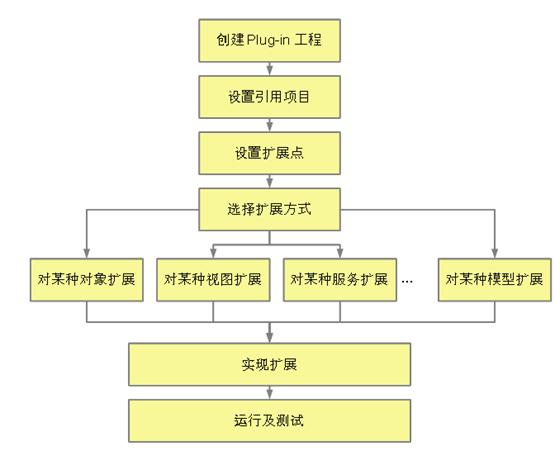
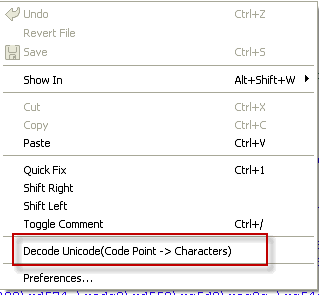
為 TextEditor 添加右鍵菜單「Decode Unicode (Code Point → Characters)」,僅對純文本編輯器可見。
| 來源 | 適配器 | 編碼獲取方式 |
|---|---|---|
| Repository 文件 | RemoteFileEditorInput | 嘗試工作區編碼 → 系統編碼 → UTF-8 |
| Workspace 文件 | FileEditorInput | 直接獲取 IFile.getCharset() |
| 本地外部文件 | FileStoreEditorInput | 同 Repository,嘗試多種編碼 |
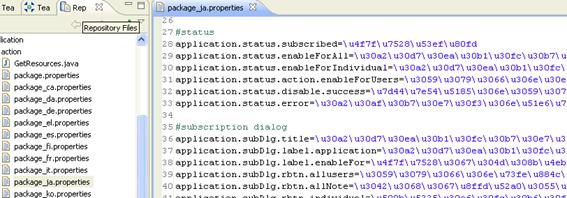
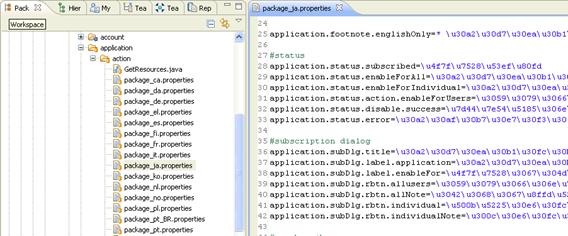
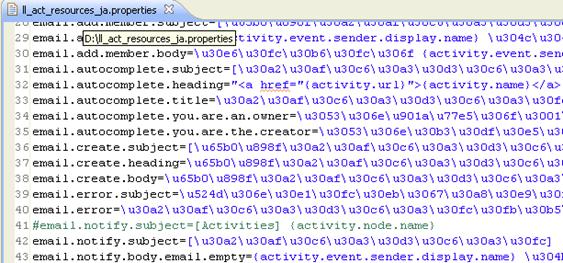
\u 分割字符串數組// 關鍵解碼邏輯
public static String decodeLine(String line) {
String[] parts = line.split("\\\\u");
StringBuilder sb = new StringBuilder(parts[0]);
for (int i = 1; i < parts.length; i++) {
String hex = parts[i].substring(0, 4);
char decoded = (char) Integer.parseInt(hex, 16);
sb.append(decoded).append(parts[i].substring(4));
}
return sb.toString();
}使用 CharsetProviderICU 確保對各種字符集的完整支持。
com.ibm.gvt.deco_1.0.0.jar 放入 RTC/Eclipse plugins 目錄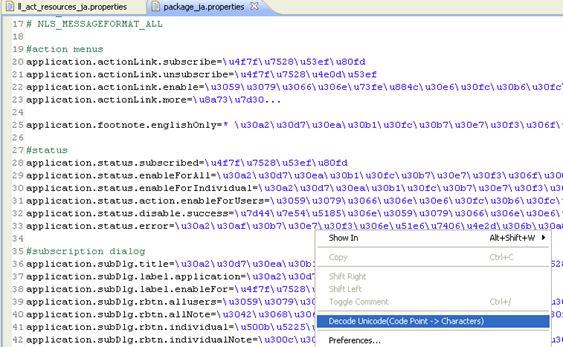
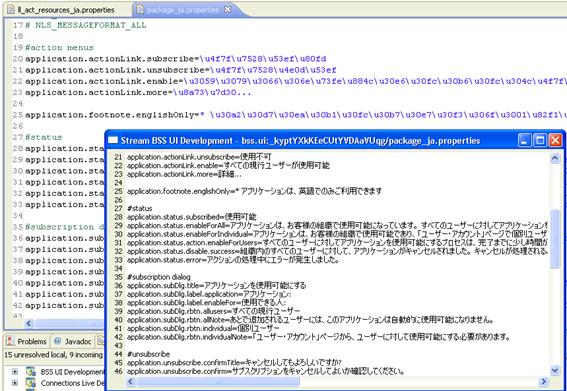
歡迎更多開發者加入,共建高效測試工具生態!