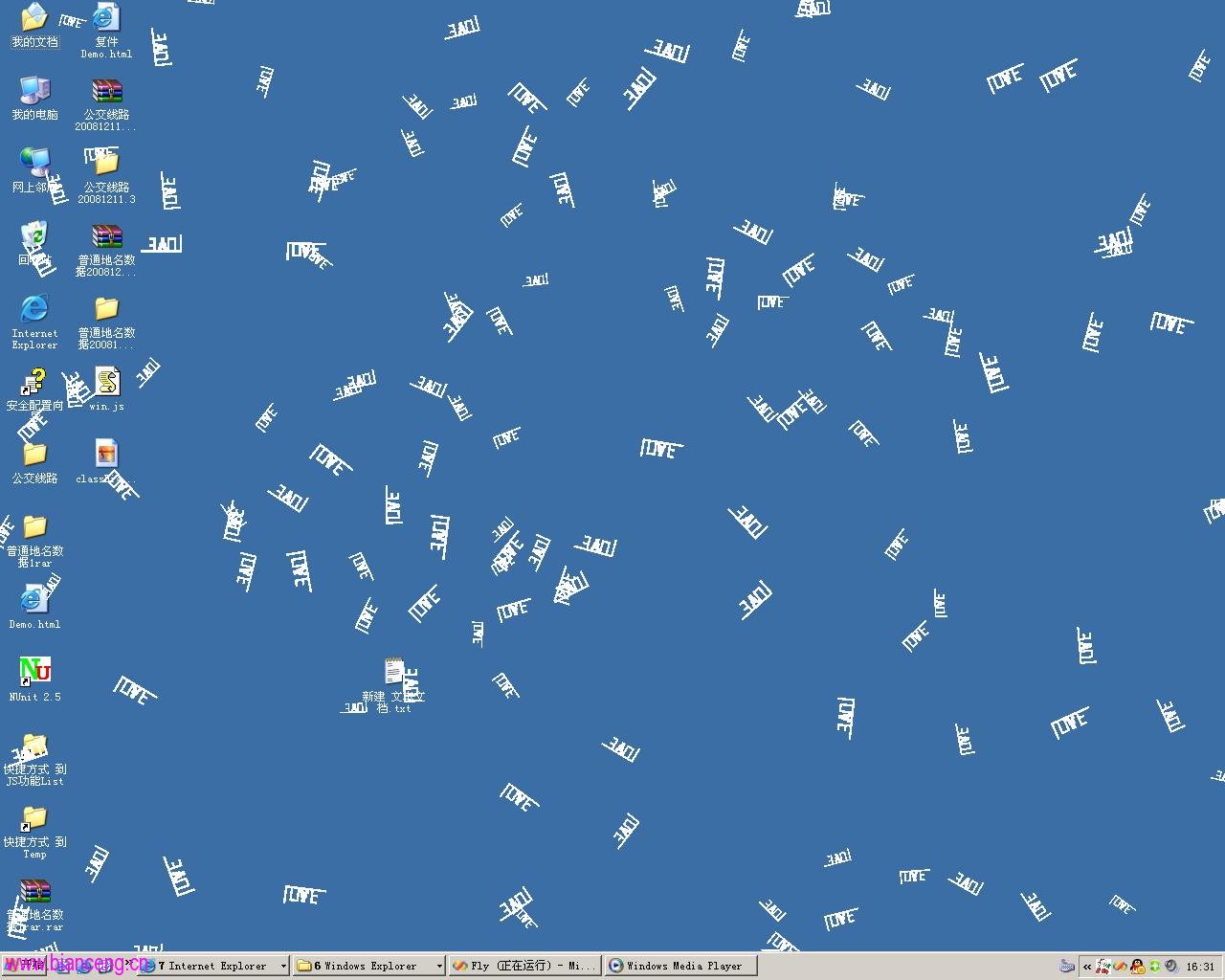
大學時期用 GDI+ 繪製「桌面飄著 Love」,如今欲重構支援「聖誕老人」等多種漂浮物件,並要求:
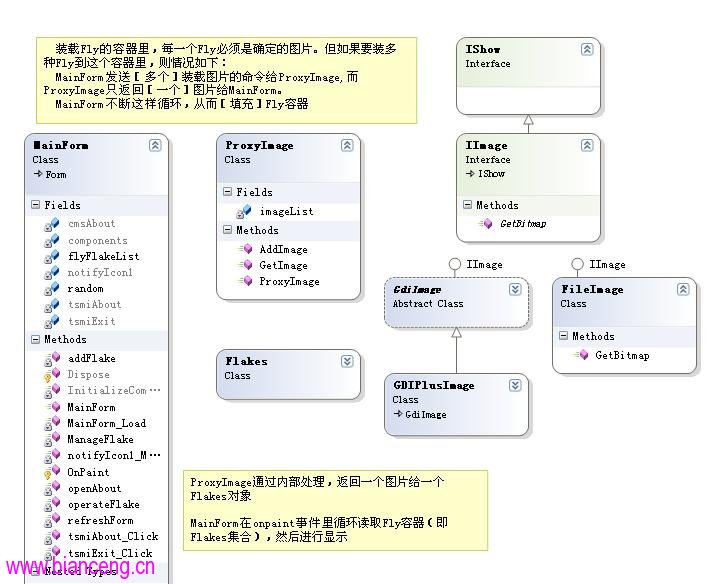
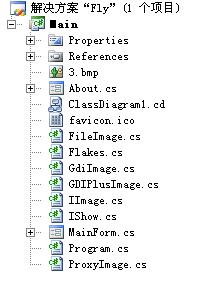
IImage:統一介面,定義 GetBitmap() 取得漂浮圖片GdiImage:抽象基類,針對 GDI+ 繪製場景,子類別只需覆寫 DrawImage()ProxyImage:代理單例,管理所有已註冊漂浮物件,隨機回傳單一圖片實例public class ProxyImage
{
private static Hashtable imageList = new Hashtable();
public static void AddImage(IImage image)
{
imageList.Add(imageList.Count + 1, image);
}
public static Image GetImage()
{
if (imageList.Count == 0) throw new Exception("請先註冊漂浮物件類型");
object obj = imageList.Count == 1
? imageList[1]
: imageList[new Random().Next(1, imageList.Count + 1)];
if (obj is IImage img) return img.GetBitmap();
throw new Exception("類型轉換失敗");
}
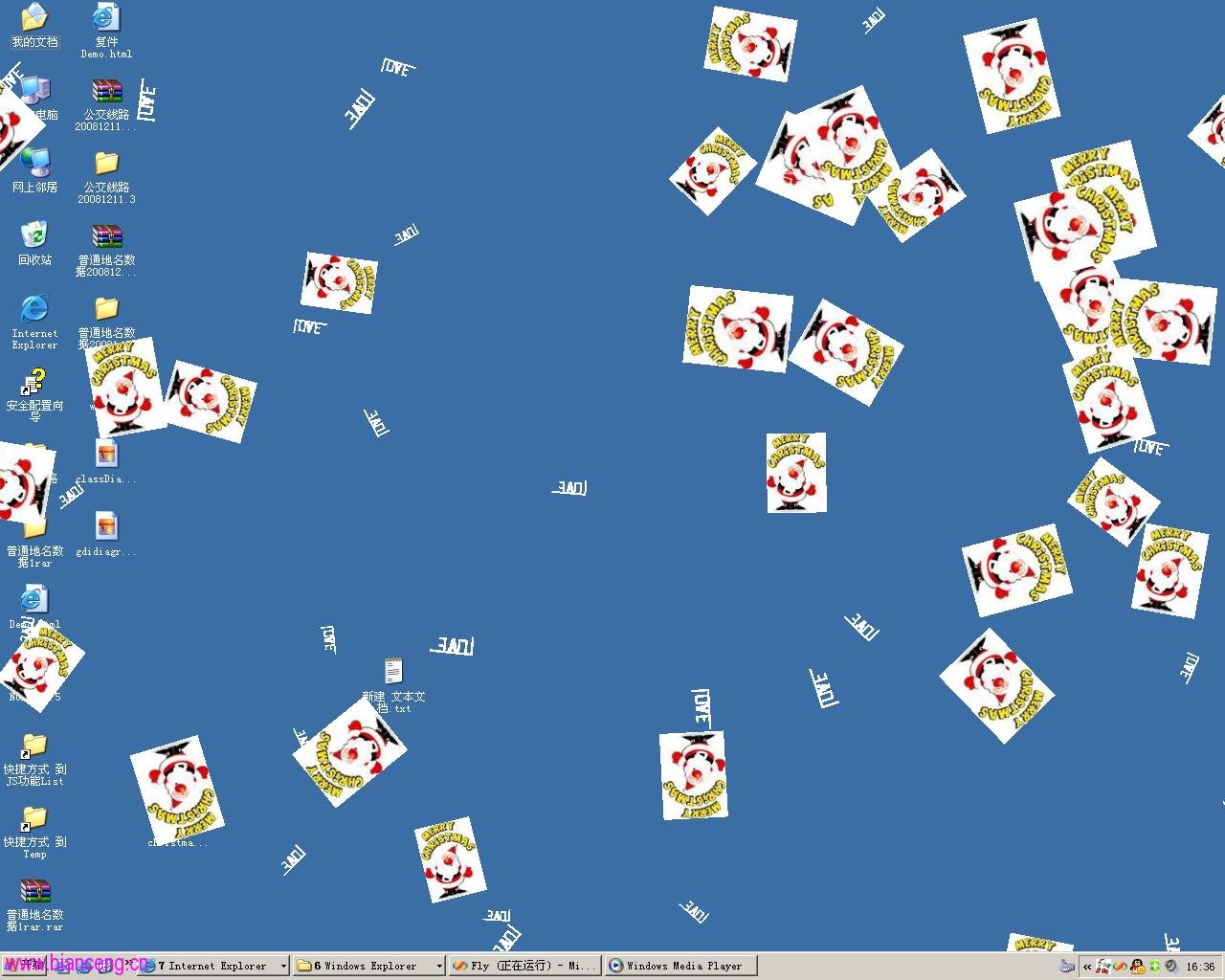
}設計精髓:無論註冊幾種漂浮物件,MainForm 每次只請求 一張 圖片。避免「註冊 N 種物件 → 桌面同時出現 N×100 個」的失控情況。
public class LoveImage : GdiImage
{
    public override void DrawImage(Graphics g, Rectangle rect)
    {
        // 僅專注 GDI+ 繪製邏輯,無其他樣板碼
        g.DrawString("Love", new Font("Arial", 12), Brushes.Red, rect);
    }
}public class SantaImage : IImage
{
public Image GetBitmap()
{
return Properties.Resources.Santa; // 直接回傳 Bitmap
}
}<appSettings>
<add key="FlyTypes" value="MyAssembly.LoveImage, MyAssembly; MyAssembly.SantaImage, MyAssembly" />
</appSettings>啟動時反射實例化並註冊:
foreach (string typeName in ConfigurationManager.AppSettings["FlyTypes"].Split(';'))
{
    Type t = Type.GetType(typeName.Trim());
    ProxyImage.AddImage((IImage)Activator.CreateInstance(t));
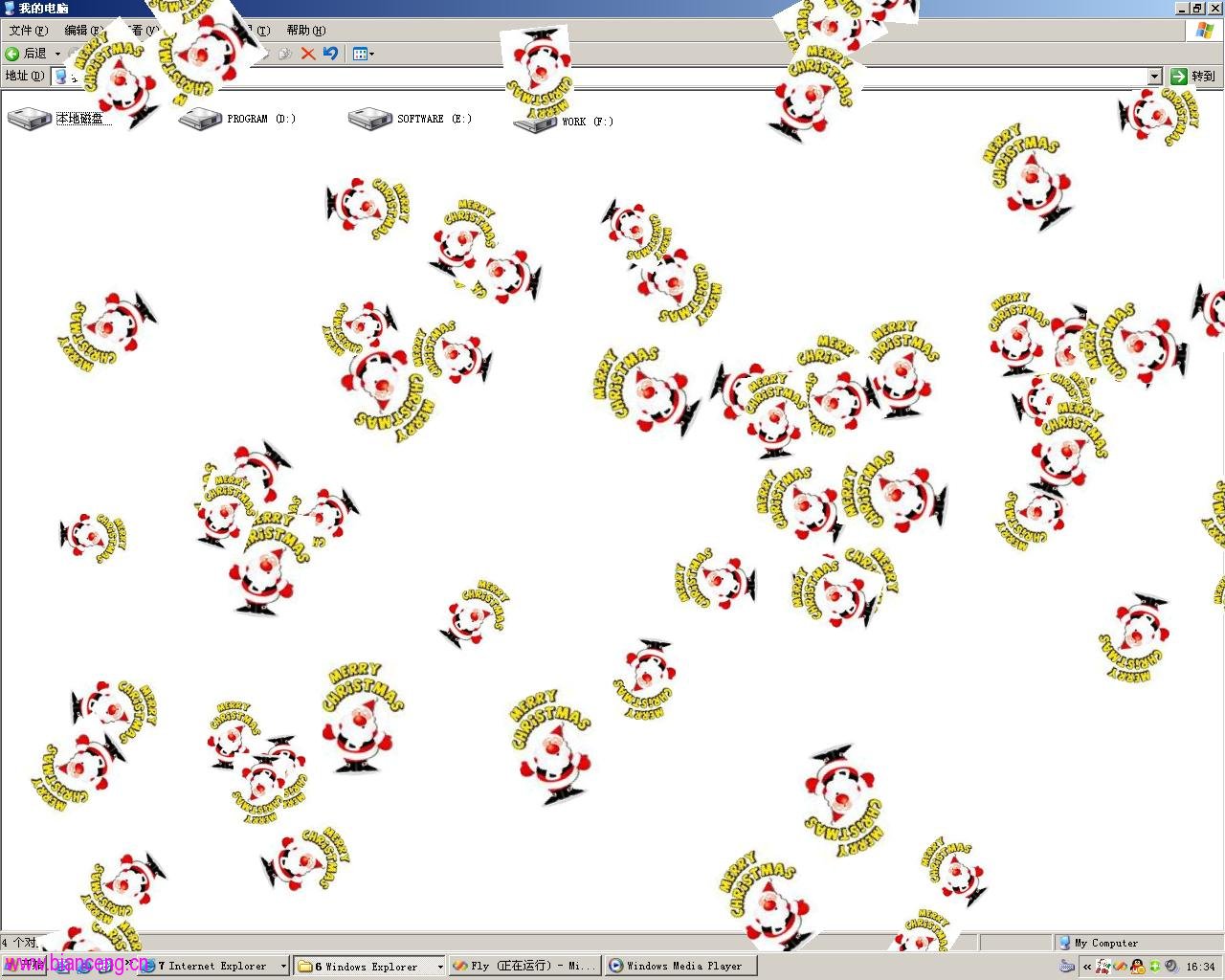
}
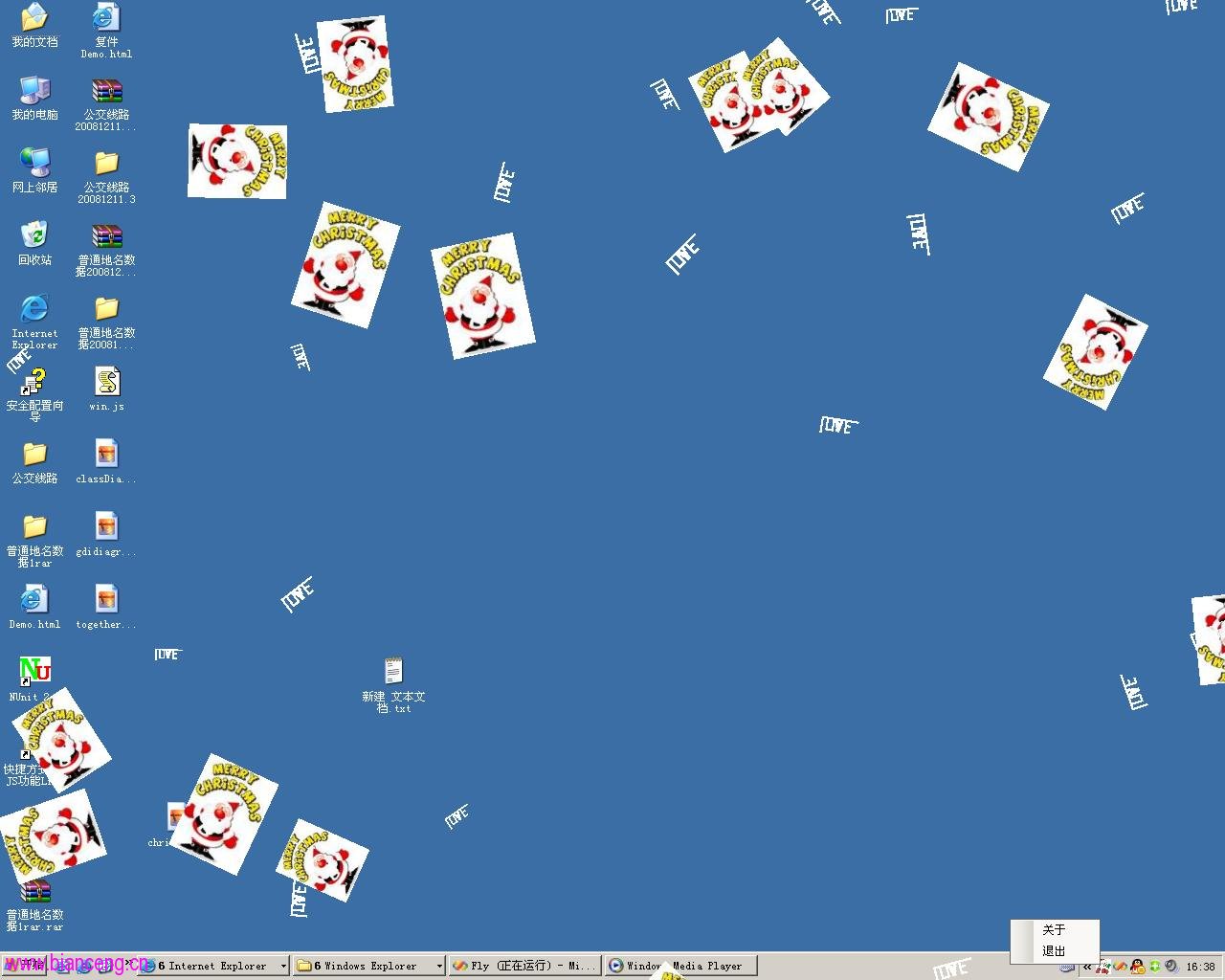
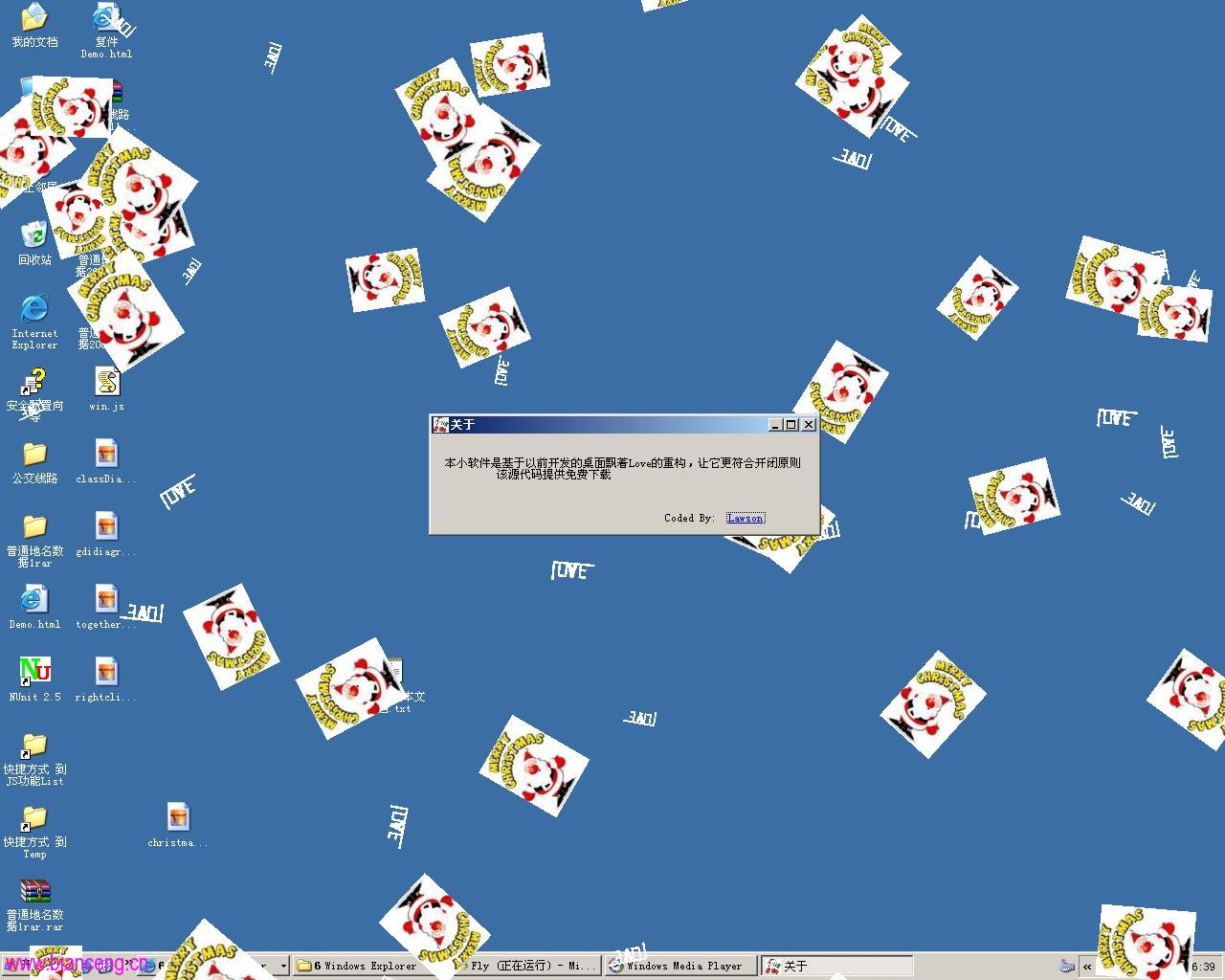
透過 代理模式統一出口、策略模式封裝繪圖演算法、介面導向設計,實現了: