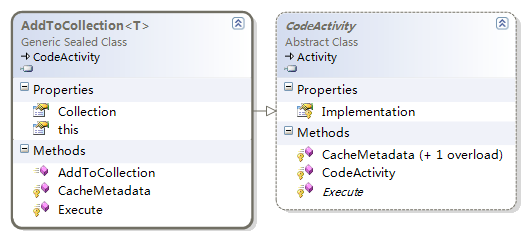
WF 4.0 提供四大集合操作活動:AddToCollection<T>、RemoveFromCollection<T>、ClearCollection<T>、ExistsInCollection<T>,支援泛型集合操作。
// 屬性
Item : InArgument<T>        // 要加入的項目
Collection : InArgument<ICollection<T>>  // 目標集合
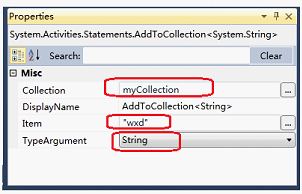
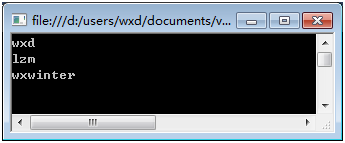
myCollection: List<string>AddToCollection 分別加入 "wxd"、"lzm"、"wxwinter"ForEach 列印集合內容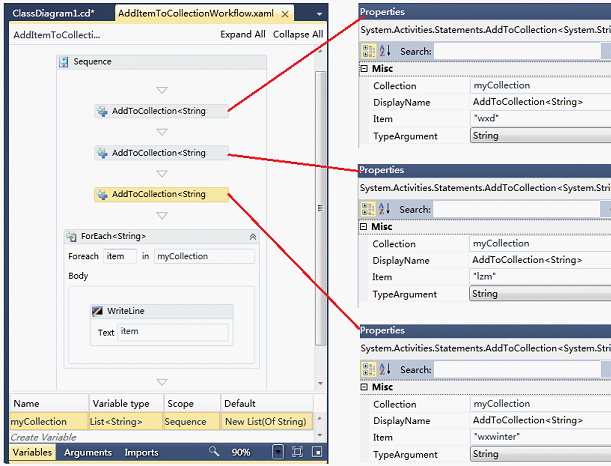
// 回傳 bool,Result 接收
Item : InArgument<T>
Collection : InArgument<ICollection<T>>
Result : OutArgument<bool>  // 成功 true,失敗 false
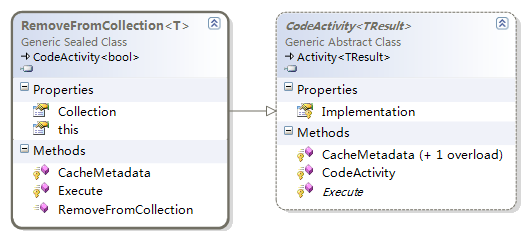
若集合有重複項,僅移除第一個。
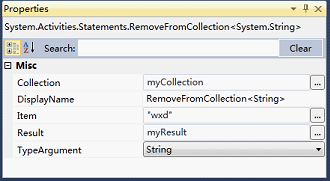
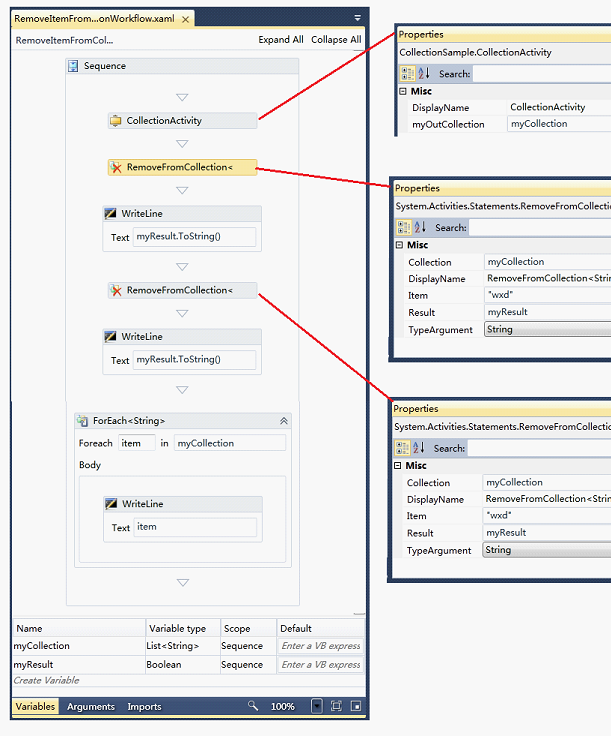
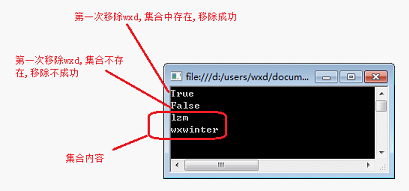
透過 CollectionActivity 初始化集合,移除兩次 "wxd",第一次成功,第二次失敗。
Collection : InArgument<ICollection<T>>
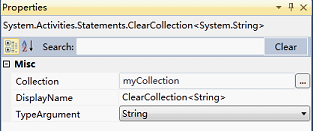
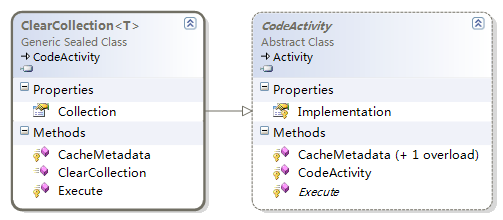
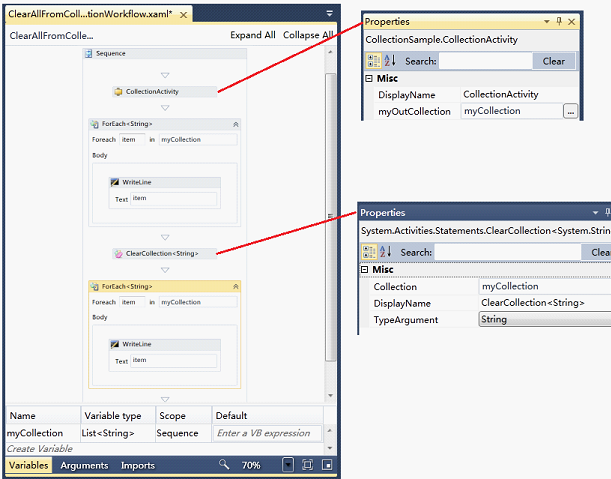
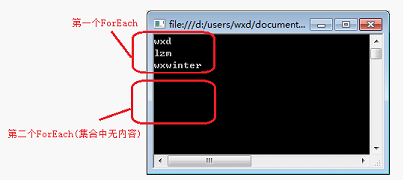
列印集合 → 清空 → 再次列印(無輸出)。
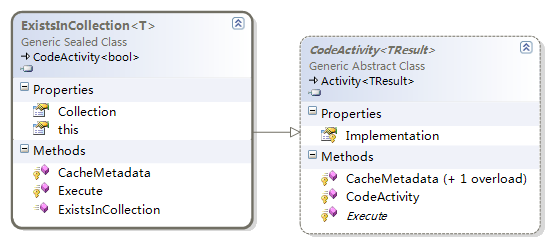
// 回傳 bool
Item : InArgument<T>
Collection : InArgument<ICollection<T>>
Result : OutArgument<bool>
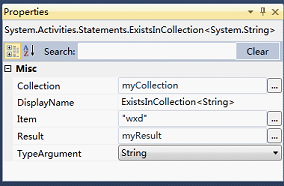
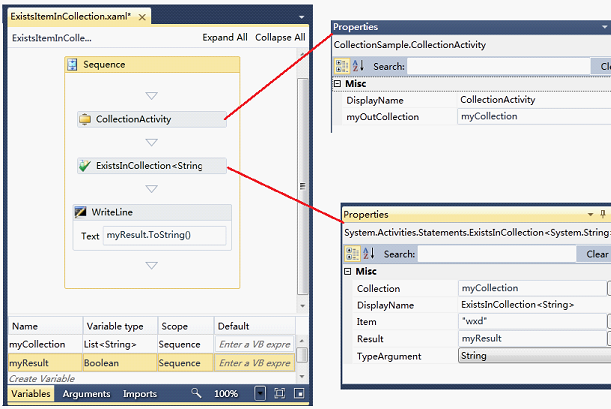
查詢 "wxd" 存在 → 回傳 true。
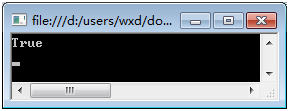
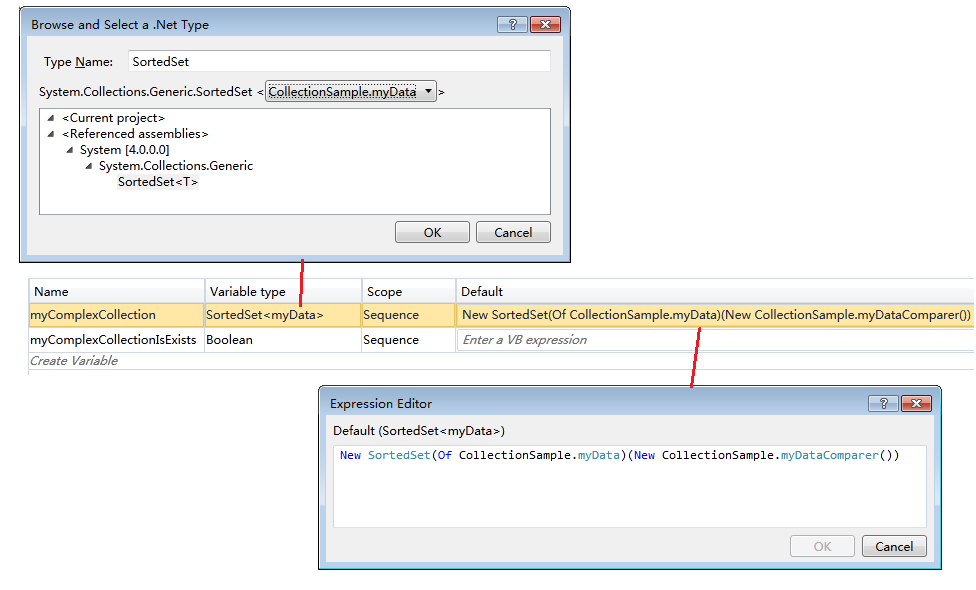
建議使用 SortedSet<T> 搭配 IComparer<T> 避免重複:
public class MyData { public string MyValue { get; set; } }
public class MyDataComparer : IComparer<MyData>
{
    public int Compare(MyData x, MyData y)
    {
        return x.MyValue == y.MyValue ? 0 : 1;
    }
}
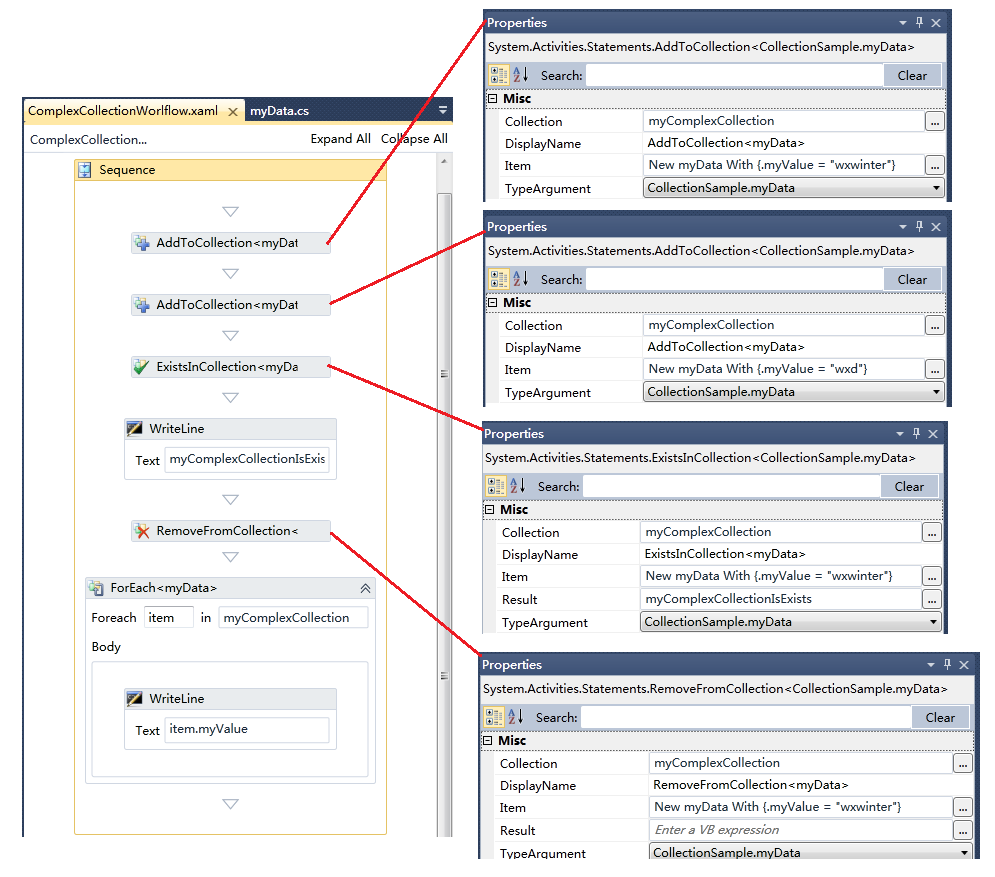
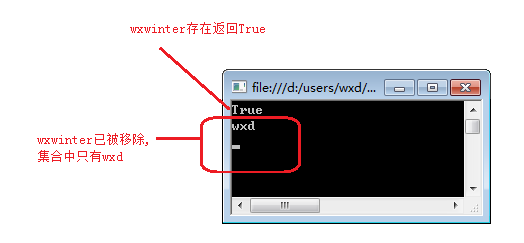
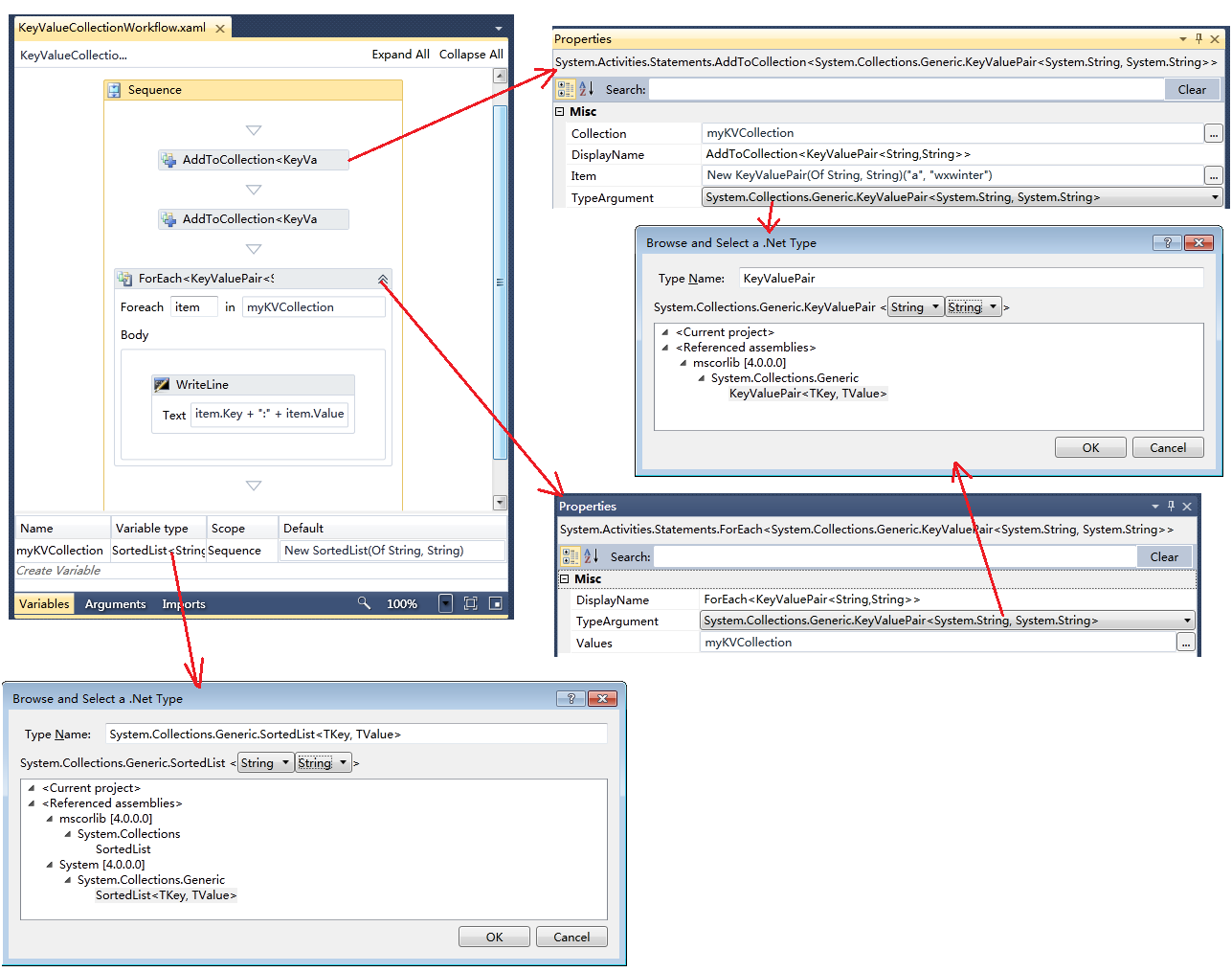
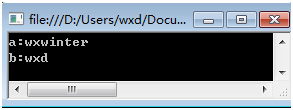
建議使用 SortedList<K,V>,Key 重複會拋出例外。
var list = new SortedList<string, string>();
list.Add("b", "wxd");
var item = new KeyValuePair<string, string>("a", "wxwinter");