本文示範從專案範本添加搜尋合約頁面、資料繫結、搜尋建議/推薦、外部啟動處理、本地搜尋與歷史管理的完整實作流程。
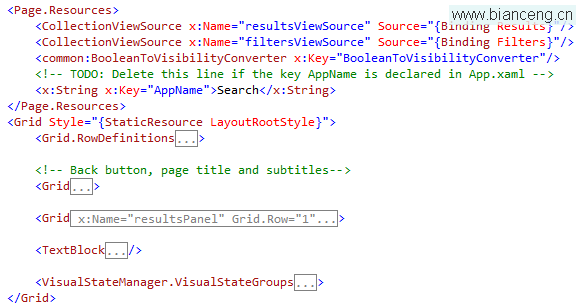
SearchResultsPage.xaml 與對應程式碼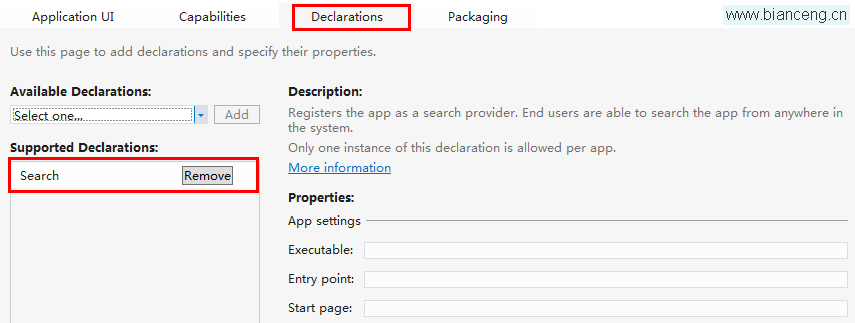
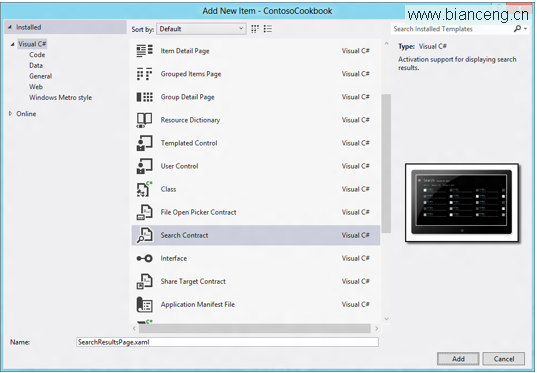
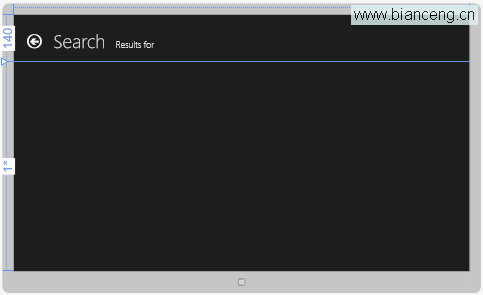
產生的頁面包含查詢文字顯示、結果計數、GridView 結果列表等控件。
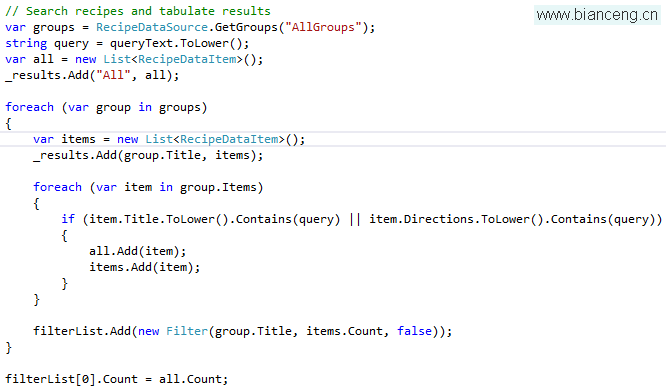
protected override void LoadState(Object navigationParameter,
    Dictionary<String, Object> pageState) {
    var queryText = navigationParameter as String;
    var results = SearchData(queryText); // 應用資料搜尋邏輯
    DefaultViewModel["Results"] = results;
    DefaultViewModel["QueryText"] = queryText;
}
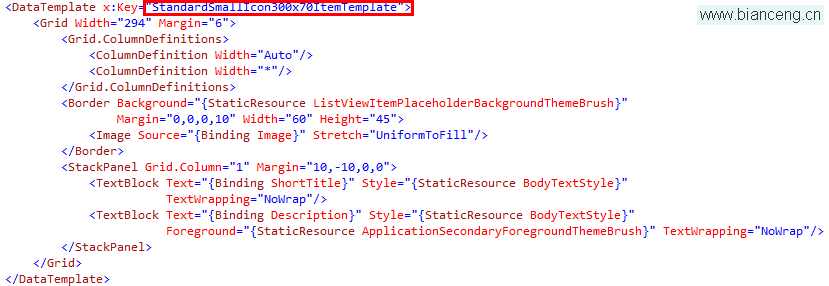
修改 Common/StandardStyles.xaml 中的 StandardSmallIcon300x70ItemTemplate。
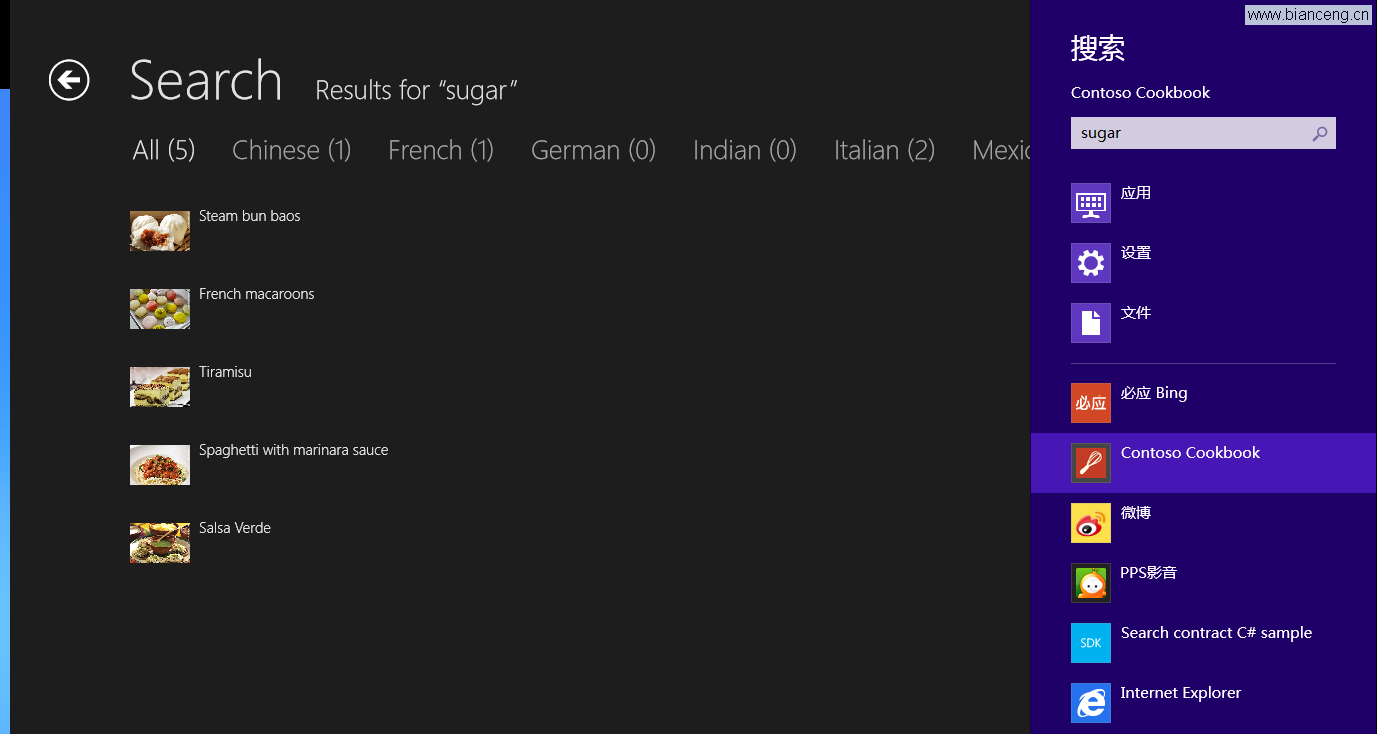
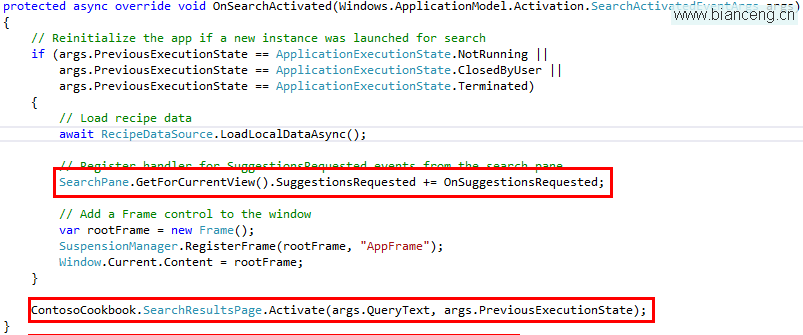
在 App.xaml.cs 重寫 OnSearchActivated:
protected override void OnSearchActivated(SearchActivatedEventArgs args) {
    if (args.PreviousExecutionState == ApplicationExecutionState.NotRunning ||
        args.PreviousExecutionState == ApplicationExecutionState.ClosedByUser ||
        args.PreviousExecutionState == ApplicationExecutionState.Terminated) {
        // 載入資料、註冊建議事件
        LoadData();
        SearchPane.GetForCurrentView().SuggestionsRequested += OnSuggestionsRequested;
    }
    // 導航至搜尋結果頁
    var rootFrame = new Frame();
    rootFrame.Navigate(typeof(SearchResultsPage), args.QueryText);
    Window.Current.Content = rootFrame;
    Window.Current.Activate();
}
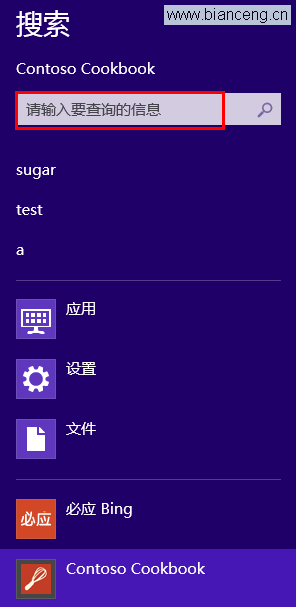
SearchPane.GetForCurrentView().PlaceholderText = "搜尋產品、分類...";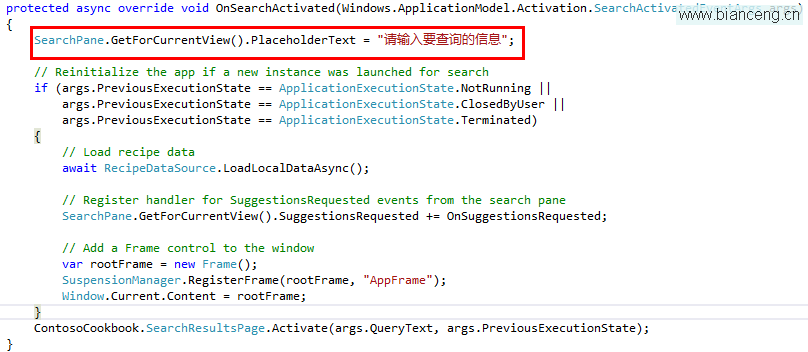
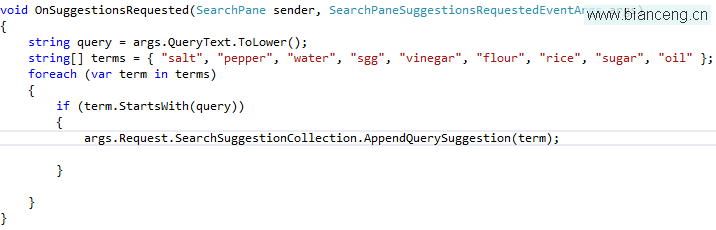
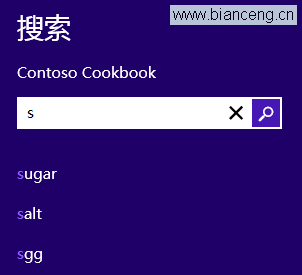
private void OnSuggestionsRequested(SearchPane sender,
    SearchPaneSuggestionsRequestedEventArgs args) {
    var deferral = args.Request.GetDeferral();
    var suggestions = GetSuggestions(args.QueryText); // 非同步取得建議
    foreach (var s in suggestions) {
        args.Request.SearchSuggestionCollection.AppendQuerySuggestion(s);
    }
    deferral.Complete();
}
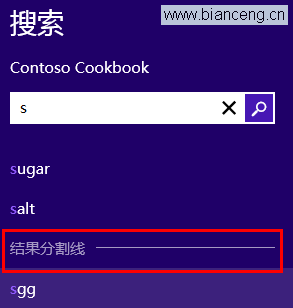
// 添加分隔線
args.Request.SearchSuggestionCollection.AppendSearchSeparator("分類");

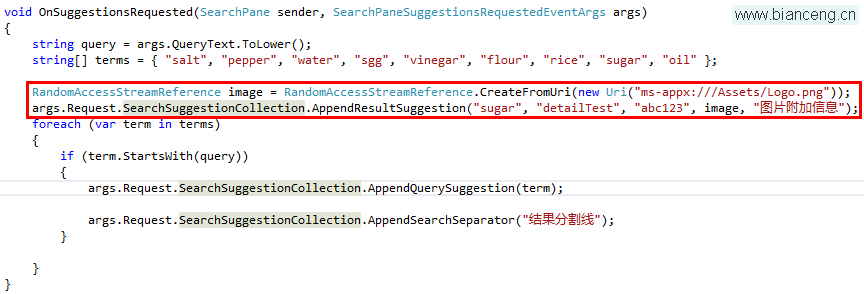
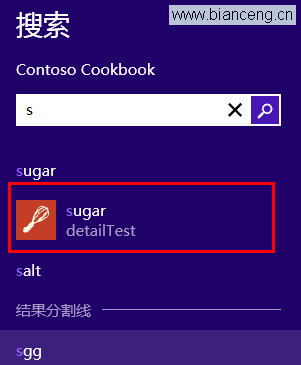
// 搜尋推薦:帶縮圖、詳細資訊,點擊直接跳轉
args.Request.SearchSuggestionCollection.AppendResultSuggestion(
    "產品名稱", "詳細描述", "productId",
    RandomAccessStreamReference.CreateFromUri(new Uri("ms-appx:///Assets/thumb.jpg")),
    "替代文字");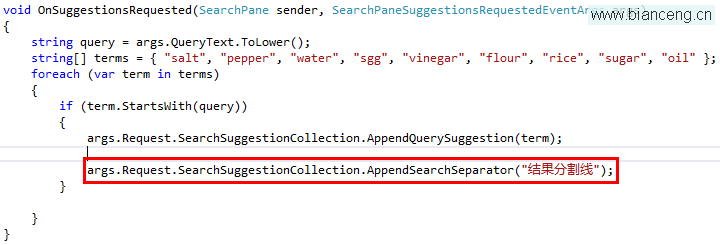
| 特性 | 搜尋建議 | 搜尋推薦 |
|---|---|---|
| 目的 | 查詢修正引導 | 精準結果直達 |
| 內容 | 純文字 | 圖片+標題+描述 |
| 點擊行為 | 重新搜尋 | 直接導航詳細頁 |
| 最大顯示 | 5 條 | 視空間而定 |
var settings = new LocalContentSuggestionSettings();
settings.AqsFilter = "kind:picture"; // 圖片類型
settings.Locations.Add(KnownFolders.PicturesLibrary);
SearchPane.GetForCurrentView().SetLocalContentSuggestionSettings(settings);
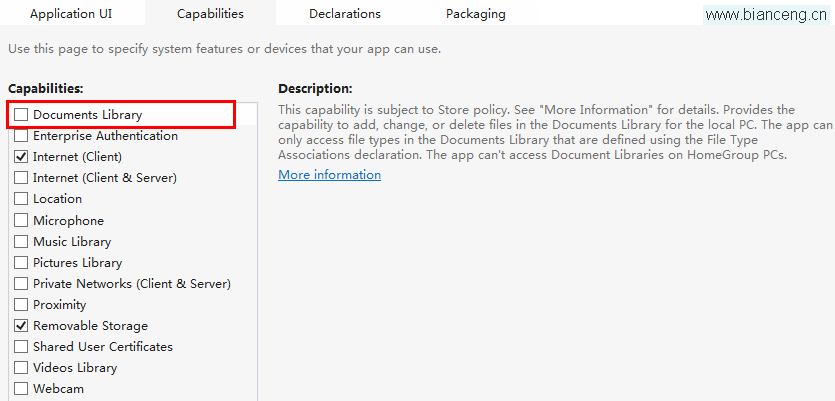
// 需清單檔啟用圖片庫權限
// 關閉搜尋歷史
SearchPane.GetForCurrentView().ShowOnKeyboardInput = false;

// 搜尋歷史上下文:區分不同搜尋場景
SearchPane.GetForCurrentView().SearchHistoryContext = "productSearch";
搜尋合約實作完成,應用已整合至系統級搜尋體驗。下一章將介紹分享合約架構。