Winform開發框架確立「業務模塊零耦合、動態組合、增量生成」的插件化架構原則。本文以CRM模塊為例,完整記錄從項目工程劃分、數據庫建模、代碼生成工具批量生成分層代碼、界面層集成基礎模塊、到用戶權限上下文跨模塊傳遞的標準化開發全流程。
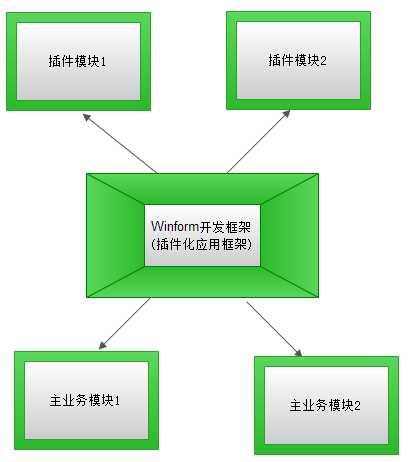
CRM系統獨立解決方案(WHC.CRM.sln),引用框架公共組件:
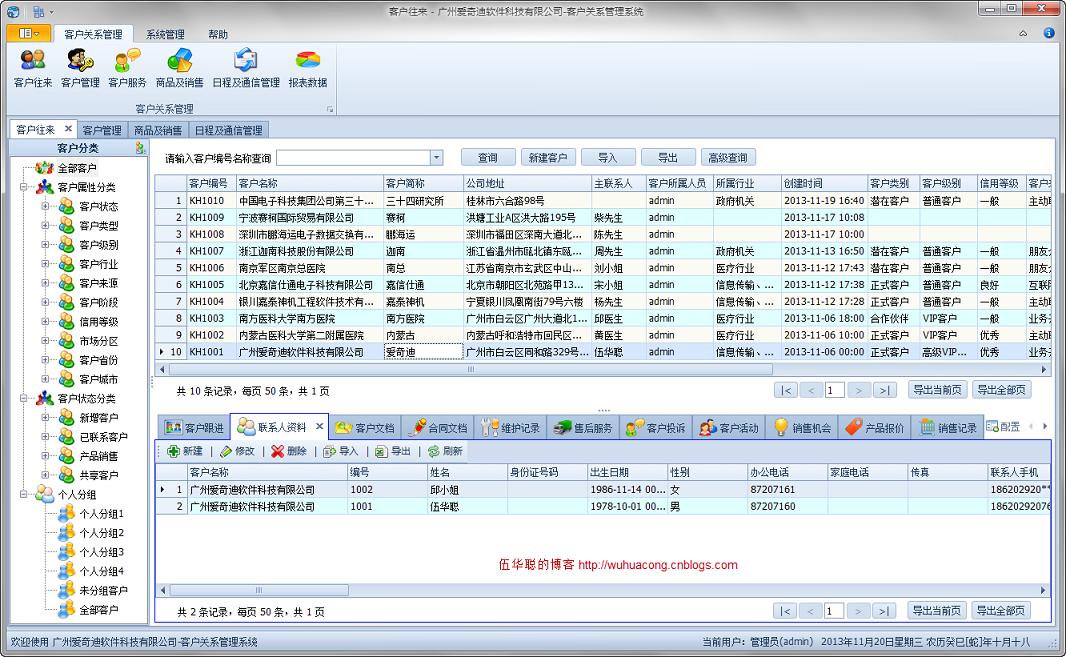
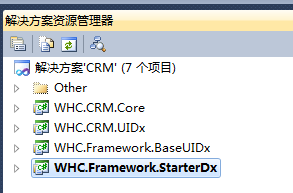
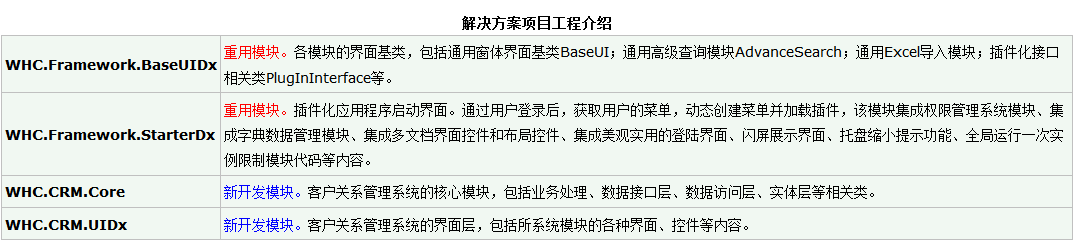
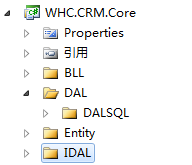
業務邏輯層生成後結構清晰:
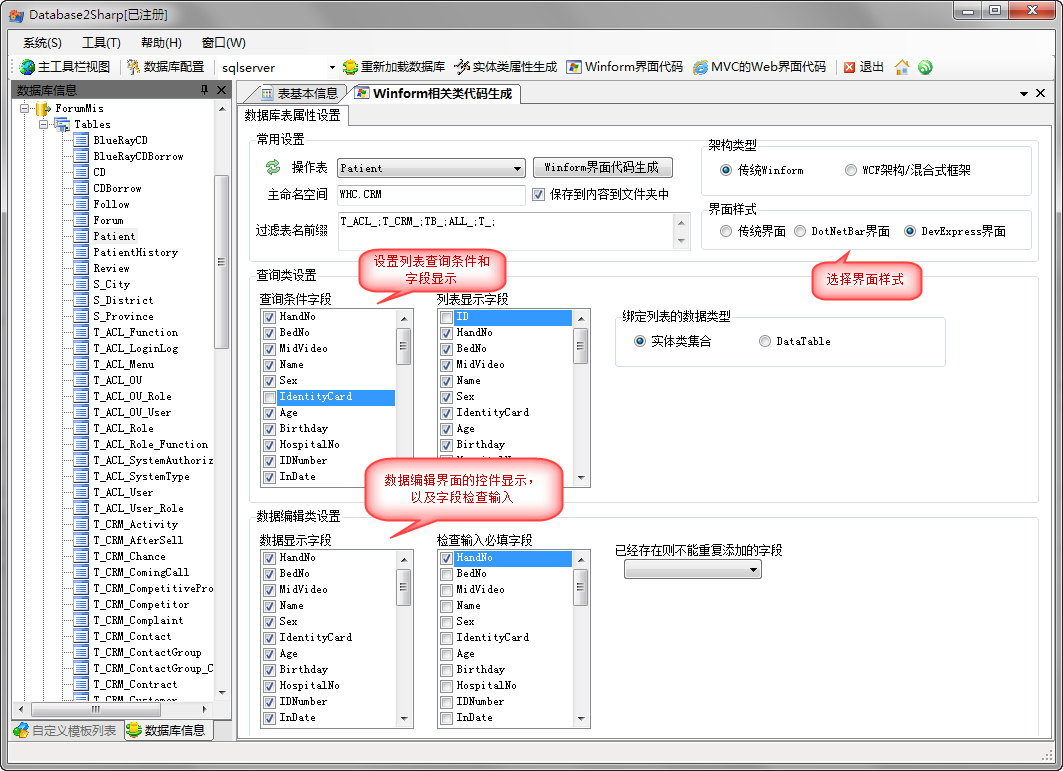
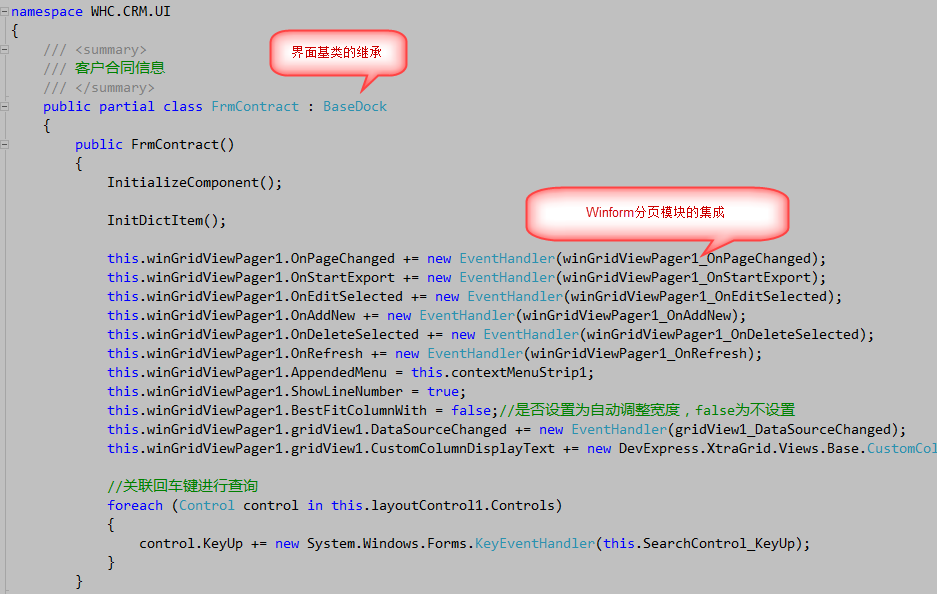
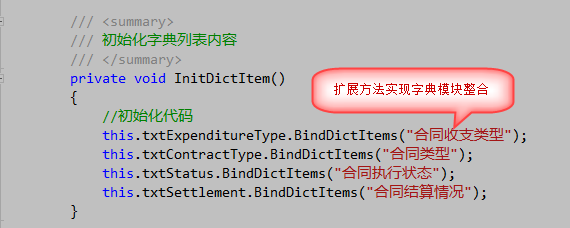
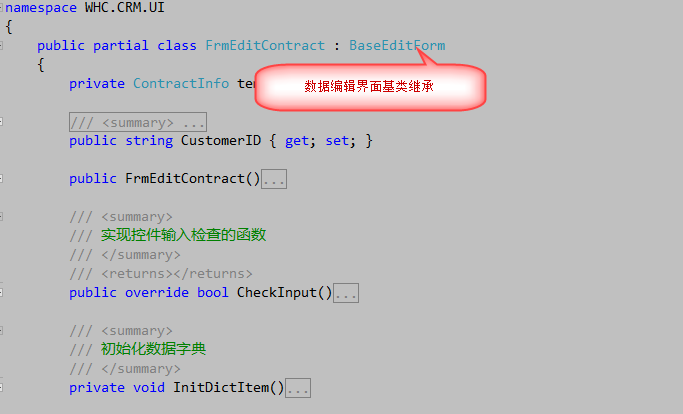
利用 Database2Sharp 生成集成框架基類的標準界面代碼:
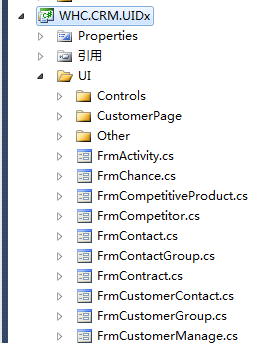
生成後界面項目目錄:
模板驅動導入,數據轉換驗證,異常跳過記錄:
private void btnImport_Click(object sender, EventArgs e) {
    FrmImportExcelData dlg = new FrmImportExcelData();
    dlg.SetTemplate(templateFile, Path.Combine(Application.StartupPath, templateFile));
    dlg.OnDataSave += ExcelData_OnDataSave;
    dlg.OnRefreshData += (s, e) => BindData();
    dlg.ShowDialog();
}

bool ExcelData_OnDataSave(DataRow dr) {
    string customerName = dr["客戶名稱"].ToString();
    if (string.IsNullOrEmpty(customerName)) return false;
    CustomerInfo customerInfo = BLLFactory<Customer>.Instance.FindByName(customerName);
    if (customerInfo == null) throw new ArgumentException($"客戶【{customerName}】不存在");

    ContractInfo info = new ContractInfo {
        Customer_ID = customerInfo.ID,
        HandNo = dr["合同編號"].ToString(),
        ContractMoney = dr["合同金額"].ToString().ToDecimal(),
        // ... 其他字段映射與類型轉換
    };
    return BLLFactory<Contract>.Instance.Insert(info);
}
導出支持字段別名轉義、數據源查詢條件透傳、Aspose.Cells生成Excel。
private FrmAdvanceSearch dlg;
private void btnAdvanceSearch_Click(object sender, EventArgs e) {
    if (dlg == null) {
        dlg = new FrmAdvanceSearch();
        dlg.FieldTypeTable = BLLFactory<Contract>.Instance.GetFieldTypeList();
        dlg.ColumnNameAlias = BLLFactory<Contract>.Instance.GetColumnNameAlias();
        dlg.DisplayColumns = "Customer_ID,HandNo,ContractMoney,...";
        dlg.ConditionChanged += (cond) => { advanceCondition = cond; BindData(); };
    }
    dlg.ShowDialog();
}
CRM界面層獨立於啟動器,需主動獲取登錄用戶與權限信息。框架定義 IFunction 接口,BaseForm 實現:
public interface IFunction {
    void InitFunction(LoginUserInfo userInfo, Dictionary<string, string> functionDict);
    bool HasFunction(string controlId);
    LoginUserInfo LoginUserInfo { get; set; }
    Dictionary<string, string> FunctionDict { get; set; }
    AppInfo AppInfo { get; set; }
}
啟動器創建MDI子窗體時統一注入:
Form tableForm = (Form)Activator.CreateInstance(formType);
tableForm.MdiParent = mainDialog;
IFunction function = tableForm as IFunction;
if (function != null) {
    function.InitFunction(Portal.gc.LoginUserInfo, Portal.gc.FunctionDict);
    function.AppInfo = new AppInfo(Portal.gc.AppUnit, Portal.gc.AppName, Portal.gc.AppWholeName, Portal.gc.SystemType);
}
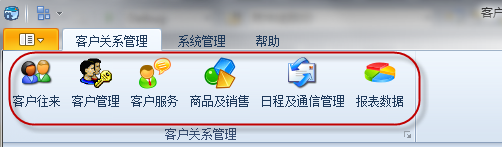
private void barCRMContact_ItemClick(object sender, ItemClickEventArgs e) {
    ChildWinManagement.LoadMdiForm(this, typeof(FrmCustomerContact));
}
private void barCRMCustomer_ItemClick(object sender, ItemClickEventArgs e) {
    ChildWinManagement.LoadMdiForm(this, typeof(FrmCustomerManage));
}
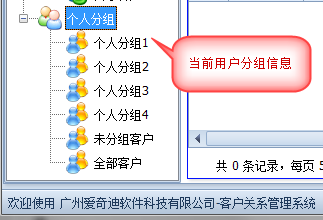
子窗體(如客戶管理)即可通過 LoginUserInfo.Name 獲取當前用戶,實現個人分組數據隔離:
該開發流程確立了「分層代碼一次性生成、界面基類統一集成、公共模塊零成本復用、權限上下文標準化傳遞」的規範化體系。新增業務模塊僅需:建表 → 生成代碼 → 調整界面邏輯 → 掛載菜單,極大提升了團隊協作效率與代碼質量一致性。