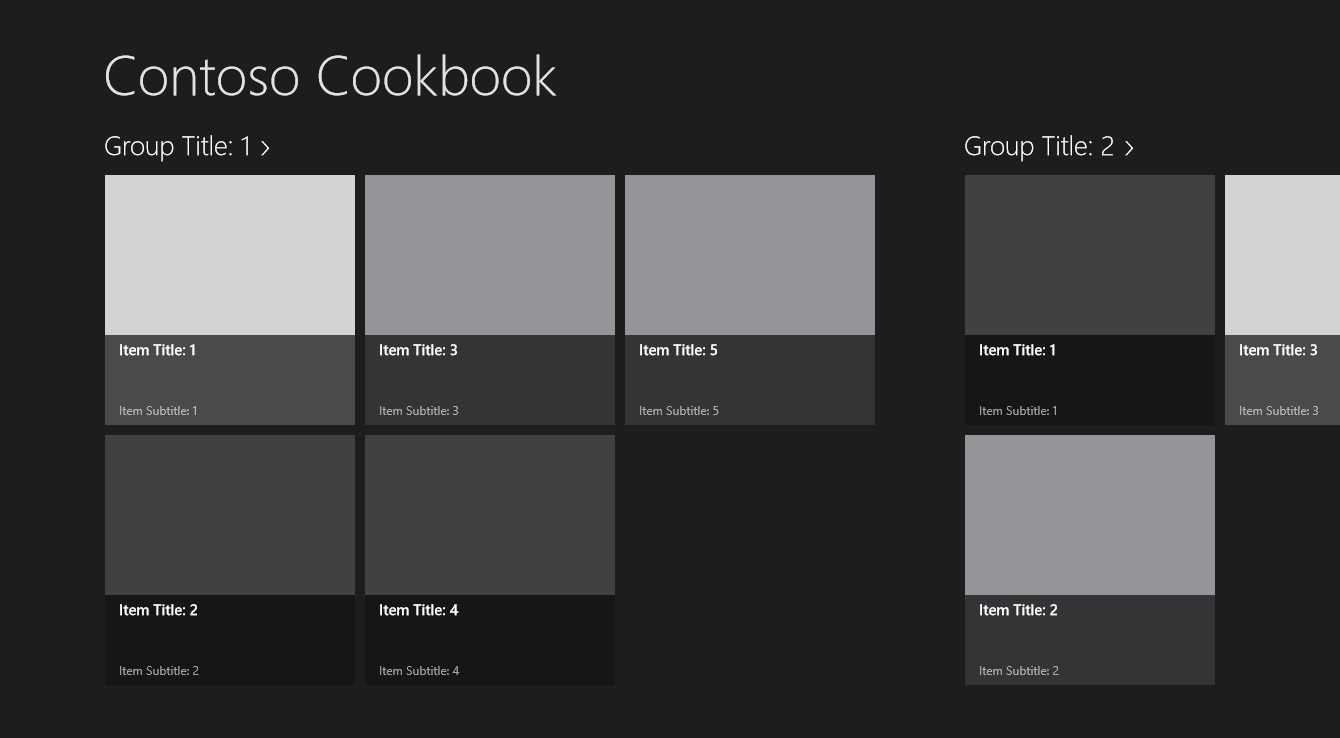
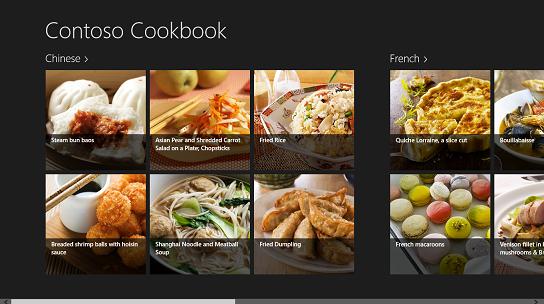
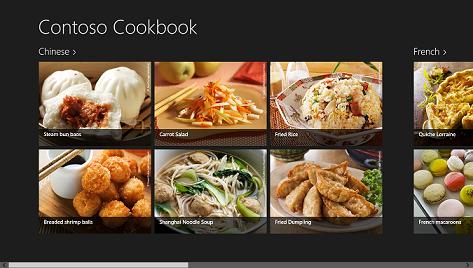
本系列實驗將引導您使用 XAML 與 C# 完整打造一個真實的 Windows 應用商店應用——Contoso Cookbook。第一個實驗奠定基礎:建立專案、理解架構、自訂品牌、載入真實食譜資料、自訂使用者介面。
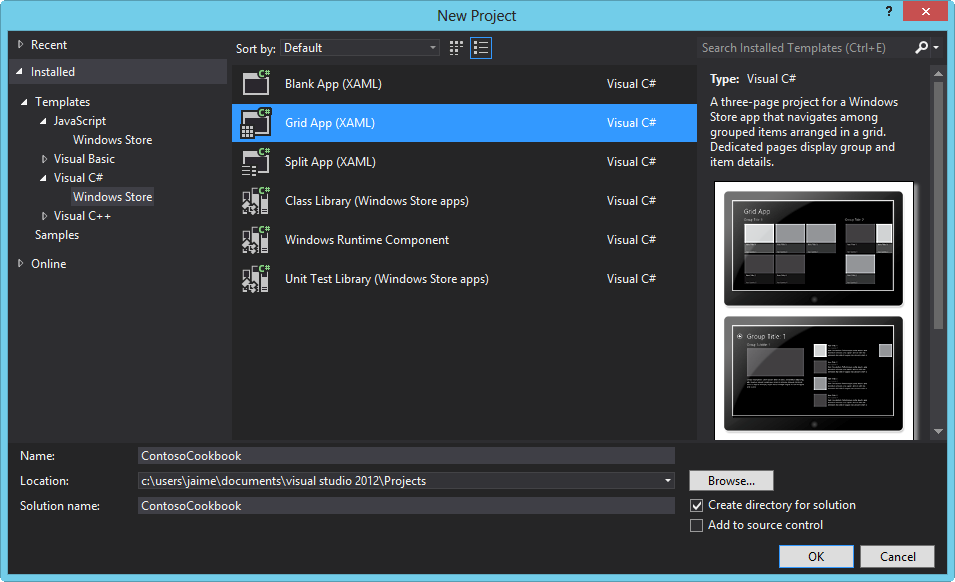
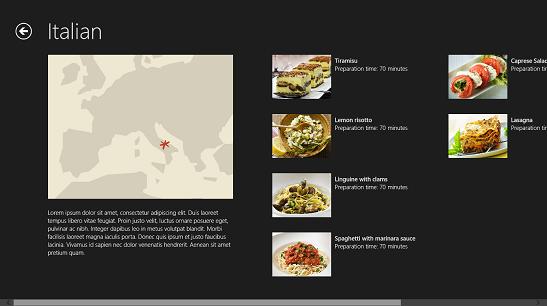
Visual Studio 2012 提供「Grid App (XAML)」範本,預設包含三頁導航架構:
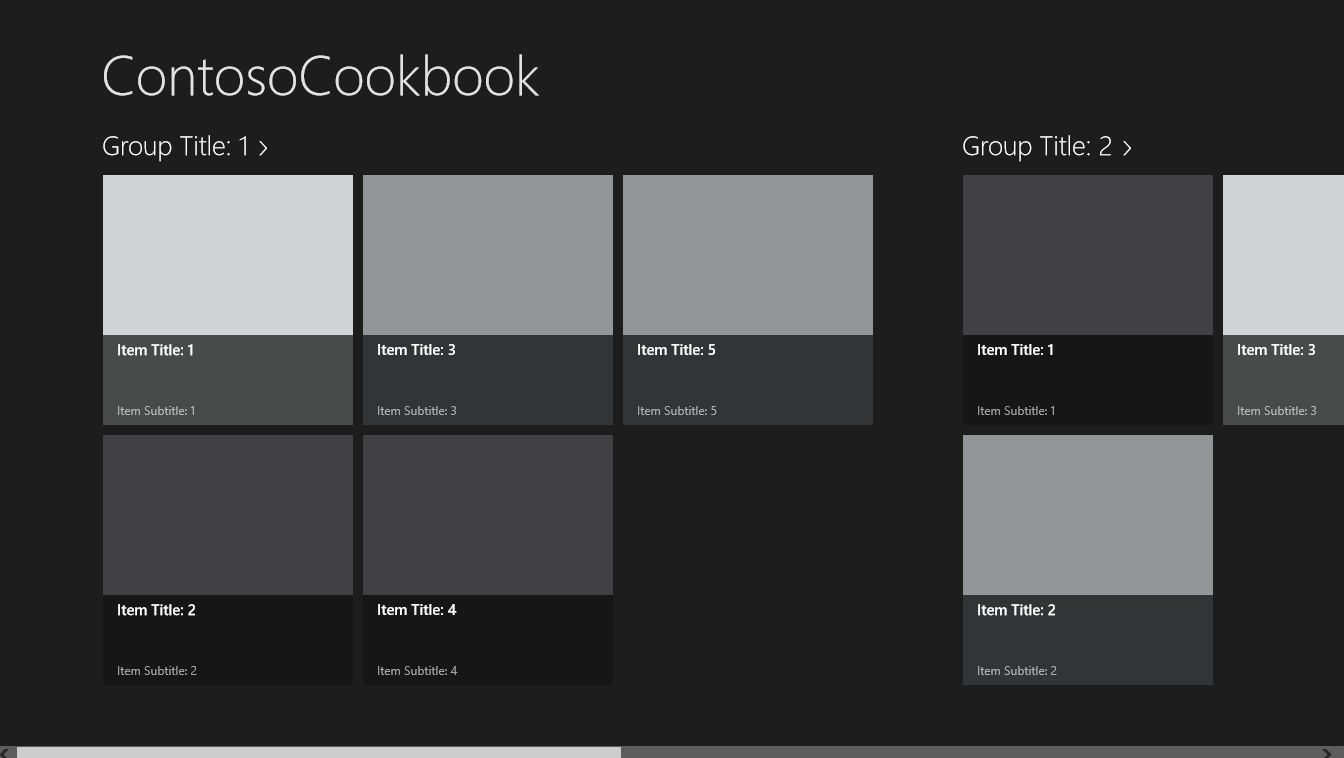
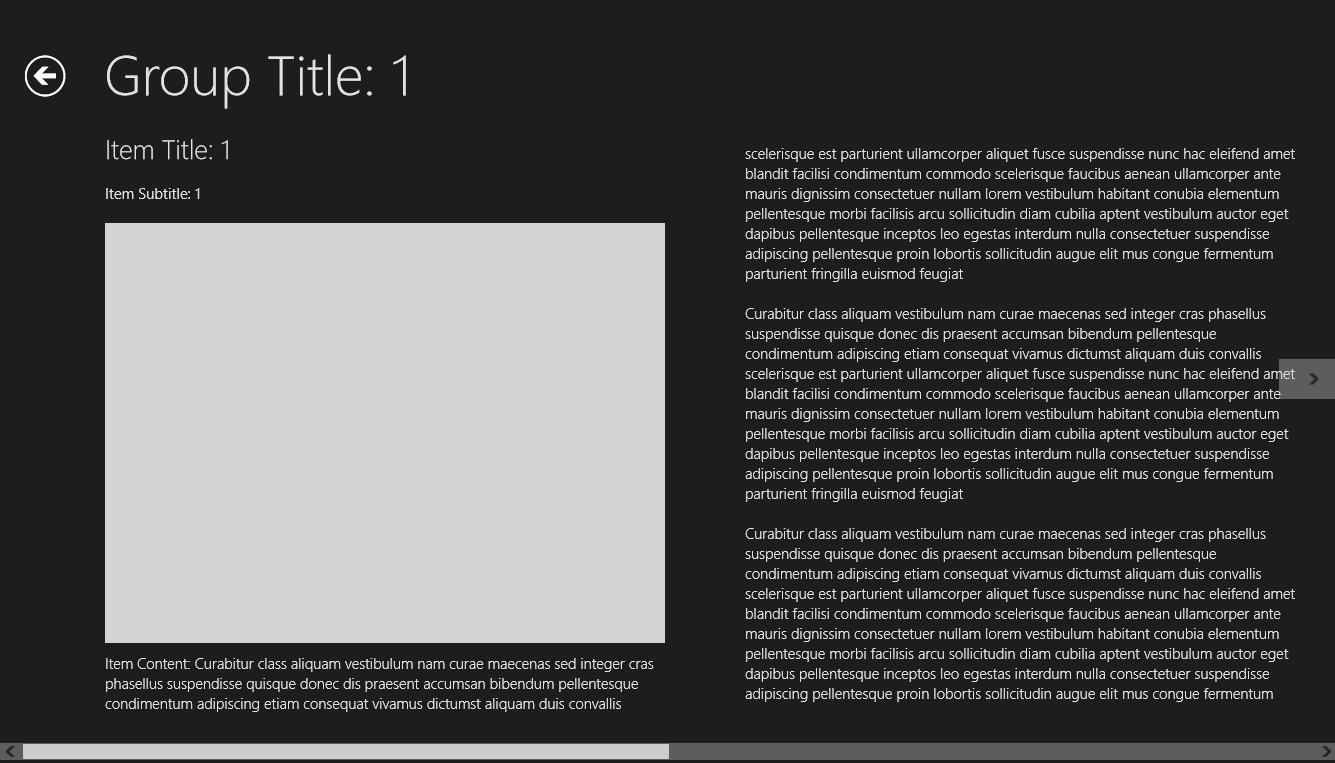
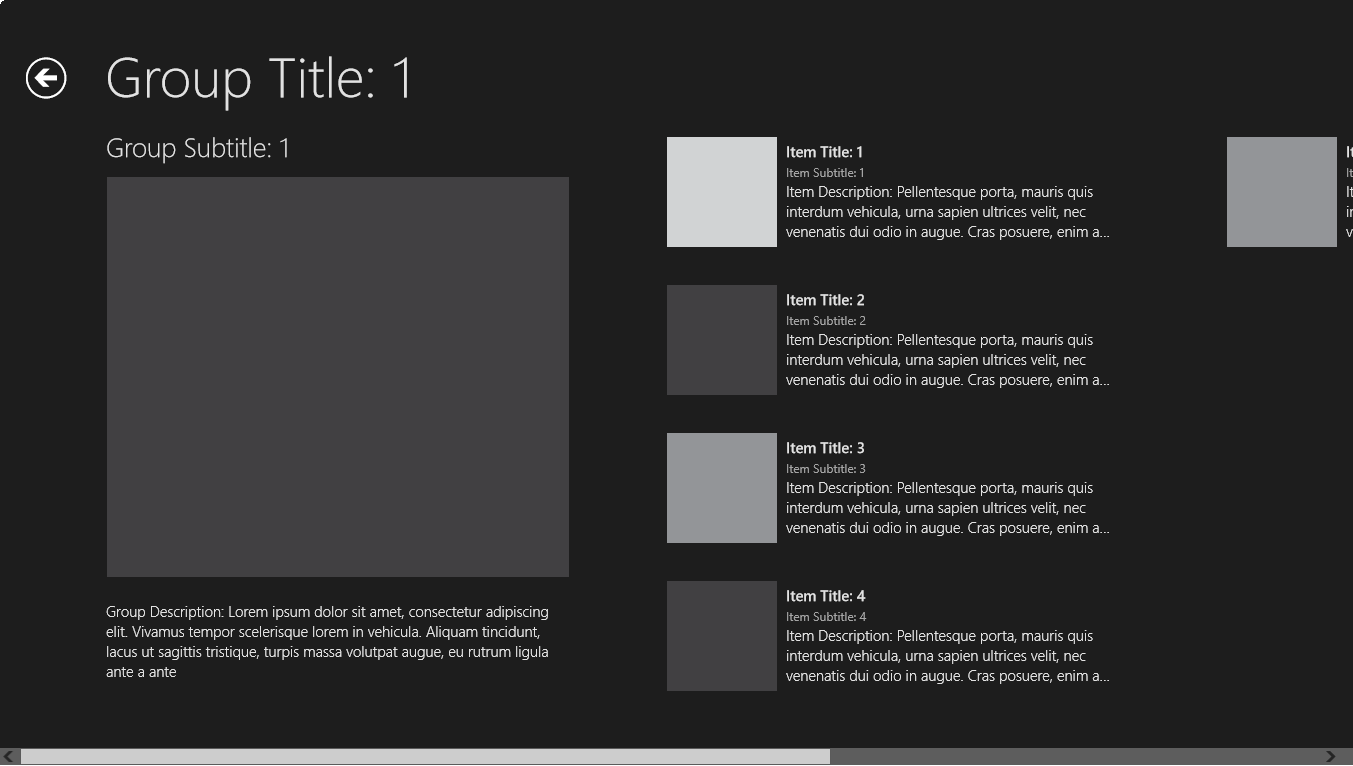
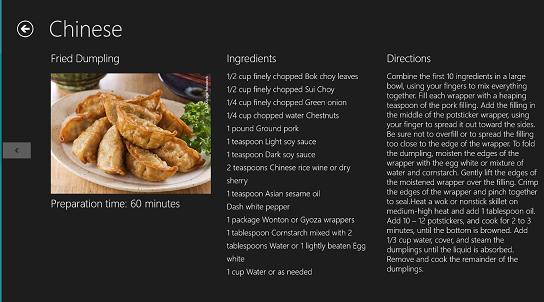
GroupedItemsPage.xaml:開始頁面,群組式項目橫向捲動GroupDetailPage.xaml:群組明細頁面ItemDetailPage.xaml:項目明細頁面,支援 FlipView 左右切換核心資料夾結構:
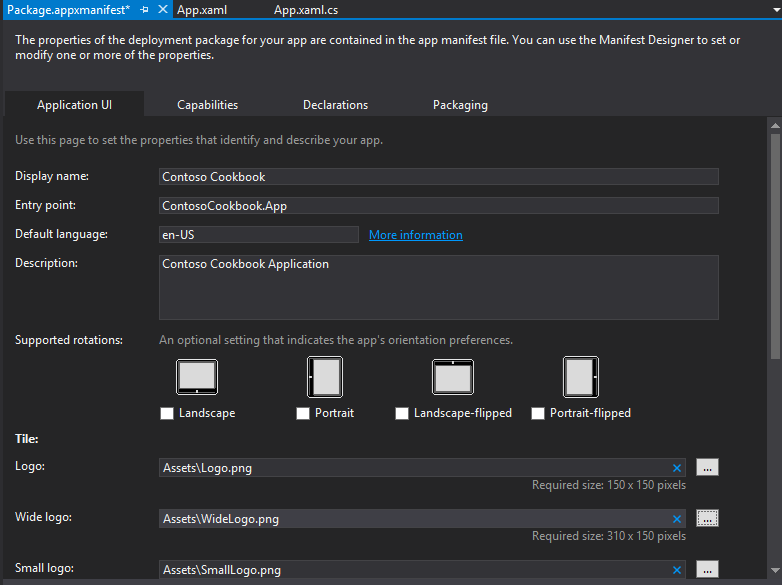
App.xaml:應用程式進入點與全域資源Common/:StandardStyles.xaml(樣式資源)、BooleanToVisibilityConverter.cs、LayoutAwarePage.cs(視覺狀態基底類別)DataModel/:SampleDataSource.cs 範例資料模型Assets/:品牌圖示(Logo、SplashScreen、SmallLogo、WideLogo、StoreLogo)<x:String x:Key="AppName">Contoso Cookbook</x:String>Package.appxmanifest:顯示名稱設為「Contoso Cookbook」、描述設為「Contoso Cookbook Application」、寬磚指定 Assets\WideLogo.png。重新部署後,開始畫面將顯示自訂磚與啟動畫面。
RecipeDataSource.cs 取代 SampleDataSource.cs,類別對應:SampleDataSource → RecipeDataSource、SampleDataGroup → RecipeDataGroup、SampleDataItem → RecipeDataItem。Data/ 資料夾,加入 Recipes.txt(JSON 格式食譜資料)。Images/ 資料夾,匯入 tiles、chinese、french 等分類圖片資料夾。using ContosoCookbook.Data;
protected async override void OnLaunched(LaunchActivatedEventArgs args)
{
if (args.PreviousExecutionState == ApplicationExecutionState.Running)
{
Window.Current.Activate();
return;
}
// 載入本地資料
await RecipeDataSource.LoadLocalDataAsync();
// 或載入雲端資料:await RecipeDataSource.LoadRemoteDataAsync();
// 建立根框架...
}LoadLocalDataAsync 解析 JSON 並建立 RecipeDataGroup/RecipeDataItem 物件樹,HttpClient 版本展示雲端資料載入模式。
修改 Standard250x250ItemTemplate:
ShortTitleStandard500x130ItemTemplate:Grid 寬度 480→360,Border 移除固定寬度保持比例,移除 Subtitle/Description,繫結 ShortTitle,新增水平 StackPanel 顯示「準備時間:X 分鐘」。ListConverter 實作 IValueConverter,將 ObservableCollection<string> 轉換為含換行符的單一字串,供 TextBlock 繫結。ItemDetailPage.xaml 資源宣告 <common:ListConverter x:Key="ListConverter"/>。FullScreenPortrait 限制圖片最大高度 400,Snapped 切換垂直捲動模式並限制圖片高度 160。第一個實驗完成了專案建立、品牌自訂、真實資料載入(本地/雲端)、資料繫結與三大頁面 UI 深度客製化。奠定了後續實驗(方向/輔助螢幕、搜尋/共用、應用列/媒體捕獲、進程生命週期、設定、磚/通知、商店 API)的堅實基礎。