Windows 8 開始畫面的動態磚是應用程式的重要進入點。本實驗示範:建立次要磚固定特定食譜、使用 Windows Push Notification Service (WNS) 更新主要磚內容、排程 Toast 通知提醒使用者。
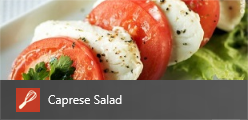
ItemDetailPage 應用程式列新增 Pin 按鈕(PinAppBarButtonStyle)。SecondaryTile:var tile = new SecondaryTile(
item.UniqueId, // Tile ID
item.ShortTitle, // 短名
item.Title, // 顯示名
item.UniqueId, // 啟動引數
TileOptions.ShowNameOnLogo,
new Uri(item.TileImagePath.AbsoluteUri) // 150x150 本地圖片
);
await tile.RequestCreateAsync();
App.xaml.cs OnLaunched 處理次要磚啟動:if (!String.IsNullOrEmpty(args.Arguments))
{
rootFrame.Navigate(typeof(ItemDetailPage), args.Arguments);
Window.Current.Activate();
return;
}
Package.appxmanifest 封裝名稱/發行者以符合 Azure 測試服務:Package Name: BUILD.87821274-9e97-488c-b5af-69dace508bff
Publisher: Contoso (需選取 Contoso.pfx 憑證)
OnLaunched 註冊推播通道並訂閱 Azure 服務:var channel = await PushNotificationChannelManager.CreatePushNotificationChannelForApplicationAsync();
var uri = CryptographicBuffer.EncodeToBase64String(
CryptographicBuffer.ConvertStringToBinary(channel.Uri, BinaryStringEncoding.Utf8));
var client = new HttpClient();
await client.GetAsync($"https://ContosoRecipes8.cloudapp.net?uri={uri}&type=tile");
ReminderAppBarButtonStyle)。ScheduledToastNotification:var template = ToastNotificationManager.GetTemplateContent(ToastTemplateType.ToastText01);
template.GetElementsByTagName("text")[0].AppendChild(template.CreateTextNode("Reminder!"));
var toast = new ScheduledToastNotification(template, DateTimeOffset.Now.AddSeconds(30));
ToastNotificationManager.CreateToastNotifier().AddToSchedule(toast);
Package.appxmanifest → 應用程式 UI → **支援 Toast 通知** 設為 **是**。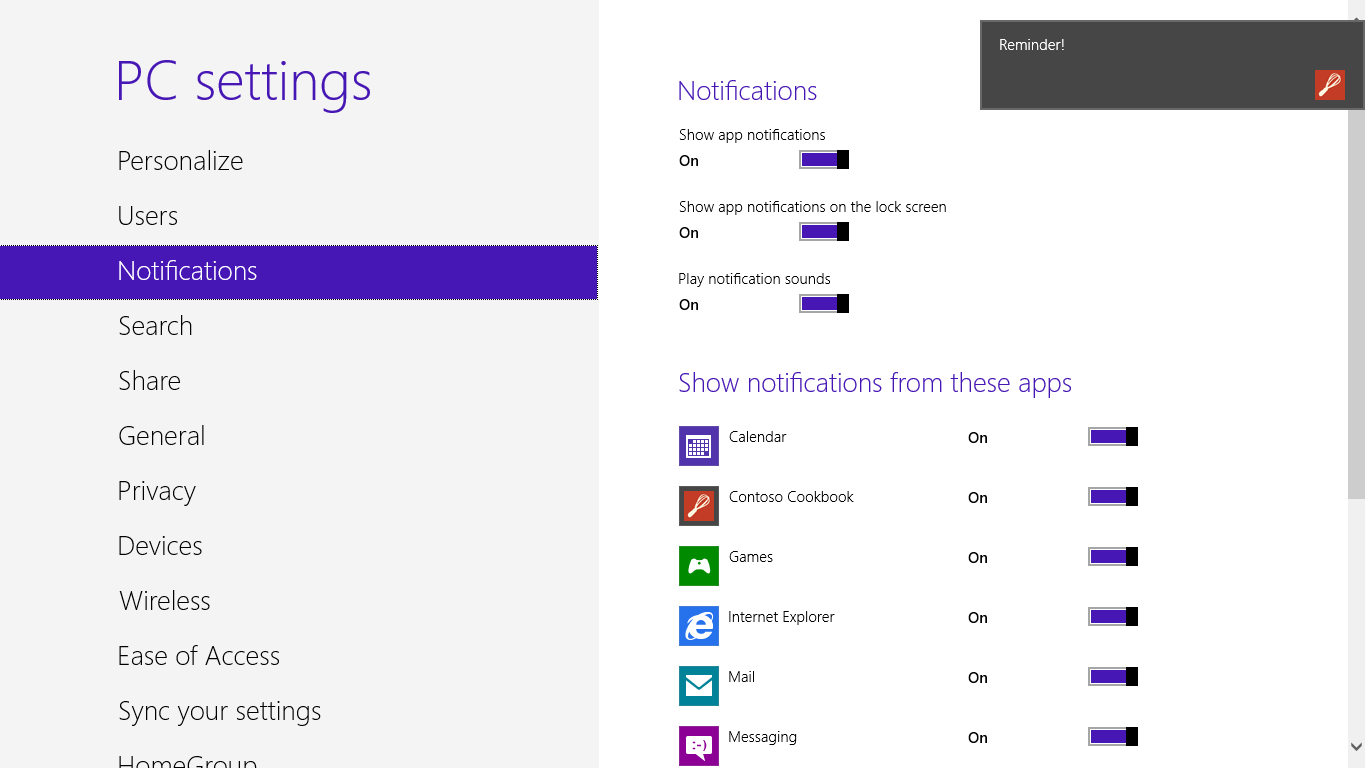
| 類別 | 用途 |
|---|---|
SecondaryTile | 建立次要磚,啟動時帶入引數 |
PushNotificationChannelManager | 取得 WNS 通道 URI |
TileUpdateManager / BadgeUpdateManager | 本地更新磚/徽章 |
ToastNotificationManager | 建立/排程 Toast |
ScheduledToastNotification | 離線排程 Toast |
ms-appx:/// 或 ms-appdata:///local/),不可遠端 URL。ChannelUriChanged 事件)。ToastText02、ToastImageAndText01 等)。ToastNotifier.Setting。