建立 Windows 服務專案,使用 `System.Timers.Timer` 實現定時排程 (每 9 秒寫入文字檔與事件日誌),含安裝部署、屬性設定、原始碼下載。
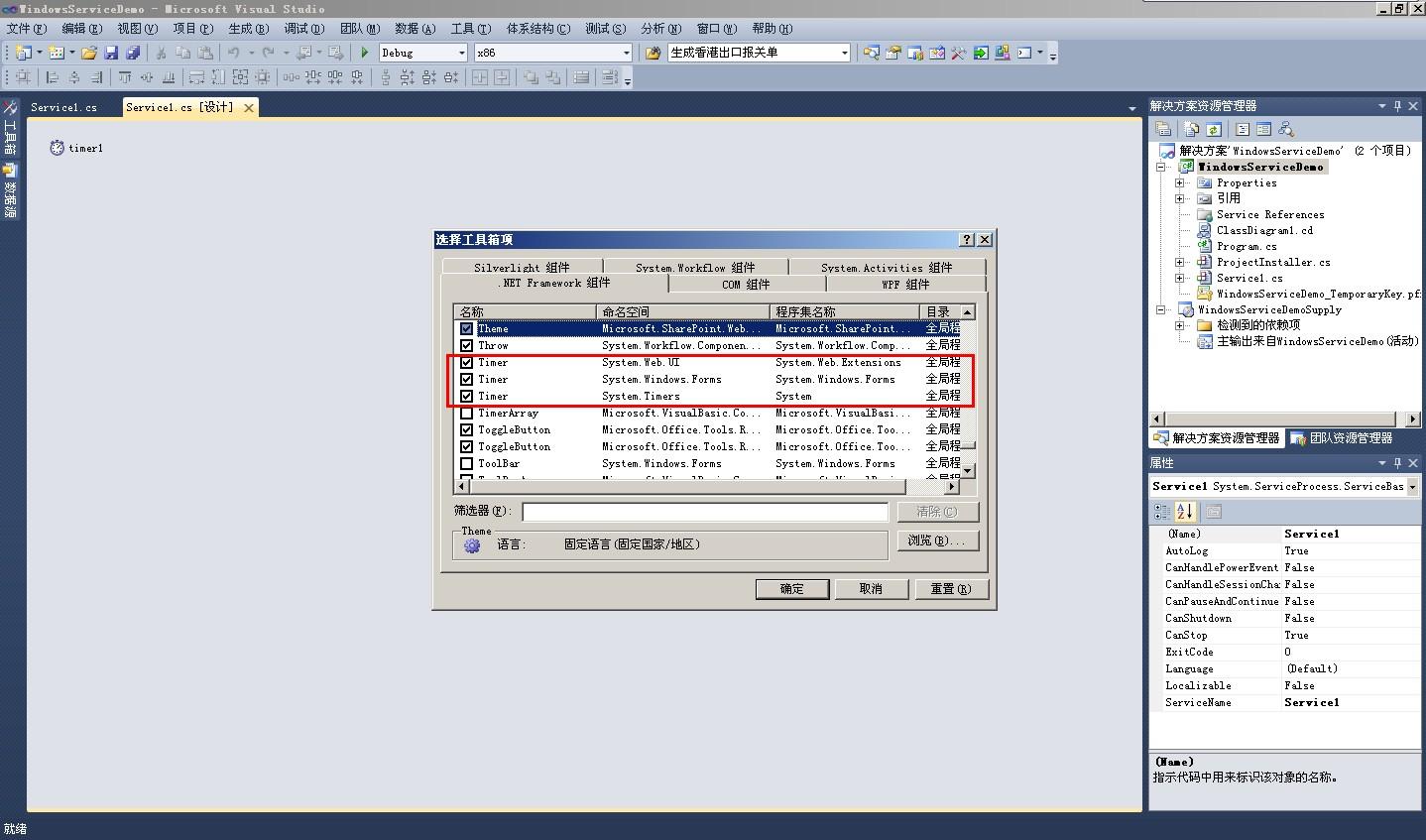
public partial class Service1 : ServiceBase
{
    private string _flag = "開始時間:";
    private bool _isRunning = false; // 防止重入

    public Service1()
    {
        InitializeComponent();
        timer1.Interval = 9000; // 9 秒
        timer1.Elapsed += Timer1_Elapsed;
    }

    protected override void OnStart(string[] args)
    {
        _flag = "開始時間:";
        timer1.Enabled = true;
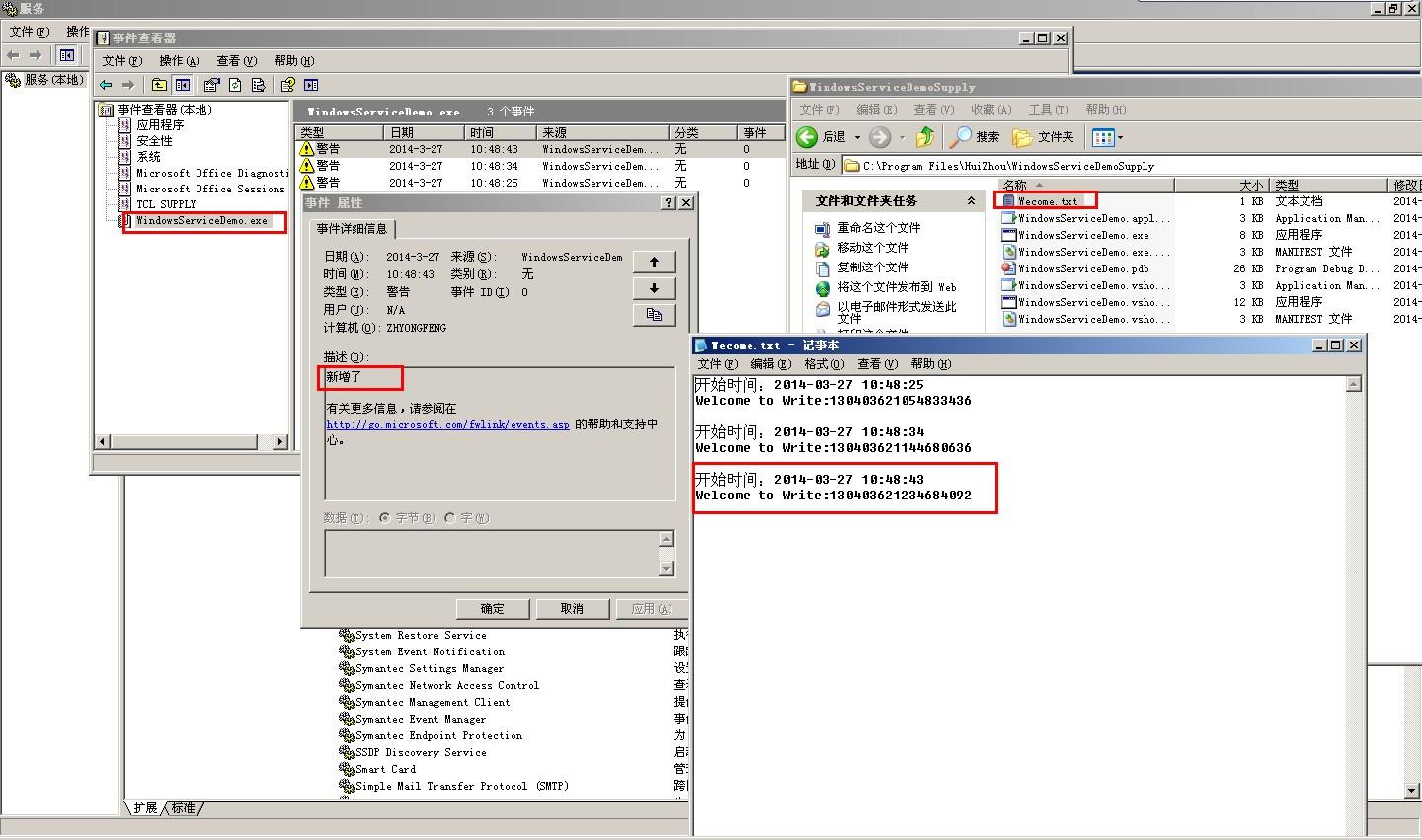
        WriteLog("服務已啟動");
    }

    protected override void OnStop()
    {
        timer1.Enabled = false;
        WriteLog("服務已停止");
    }

    private void Timer1_Elapsed(object sender, ElapsedEventArgs e)
    {
        if (_isRunning) return; // 防止重入
        _isRunning = true;
        try
        {
            string path = Path.Combine(AppDomain.CurrentDomain.BaseDirectory, "Welcome.txt");
            using (var fs = new FileStream(path, FileMode.Append, FileAccess.Write))
            using (var sw = new StreamWriter(fs))
            {
                sw.WriteLine(_flag + DateTime.Now.ToString("yyyy-MM-dd HH:mm:ss"));
                sw.WriteLine("Welcome to Write:" + DateTime.Now.ToFileTimeUtc());
                sw.WriteLine();
            }
            WriteLog("已寫入歡迎訊息");
        }
        catch (Exception ex)
        {
            WriteLog($"錯誤: {ex.Message}", EventLogEntryType.Error);
        }
        finally
        {
            _isRunning = false;
        }
    }

    private void WriteLog(string message, EventLogEntryType type = EventLogEntryType.Information)
    {
        if (!EventLog.SourceExists("WindowsServiceDemo"))
            EventLog.CreateEventSource("WindowsServiceDemo", "Application");
        EventLog.WriteEntry("WindowsServiceDemo", message, type);
    }
}
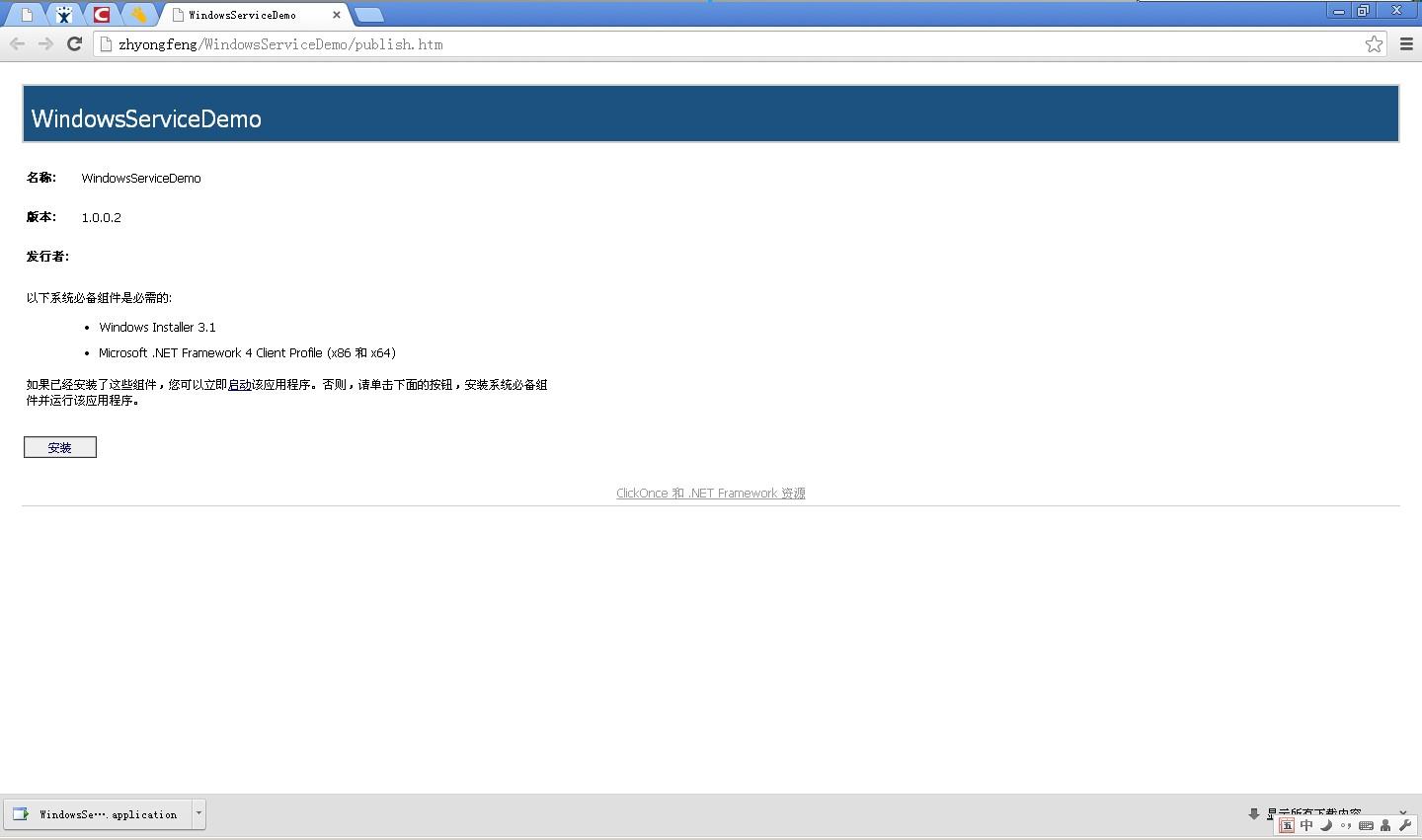
| 屬性 | 值 | 說明 |
|---|---|---|
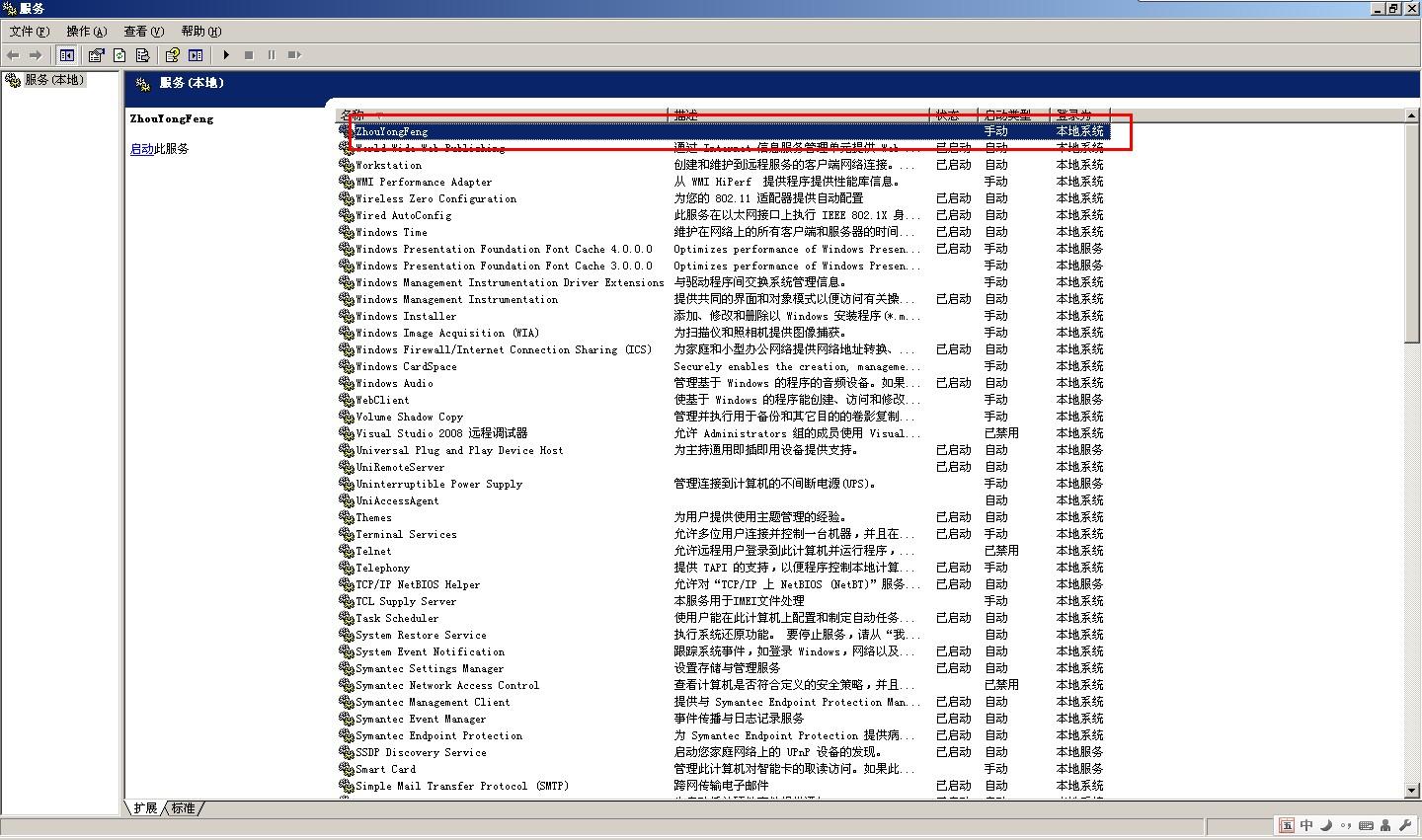
| ServiceInstaller.StartType | Automatic | 開機自動啟動 |
| ServiceInstaller.StartType | Manual | 需手動啟動 |
| ServiceInstaller.StartType | Disabled | 無法啟動 |
| ServiceProcessInstaller.Account | LocalSystem | 高權限,本機系統帳戶 |
| ServiceProcessInstaller.Account | NetworkService | 網路服務帳戶,有網路權限 |
| ServiceProcessInstaller.Account | User | 指定使用者帳戶 (安裝時輸入) |
Windows Service 是傳統 .NET Framework 長期運行背景任務的標準載體。核心在於 `OnStart/OnStop` 生命週期、`Timer` 排程、防重入、`EventLog` 可觀測性。