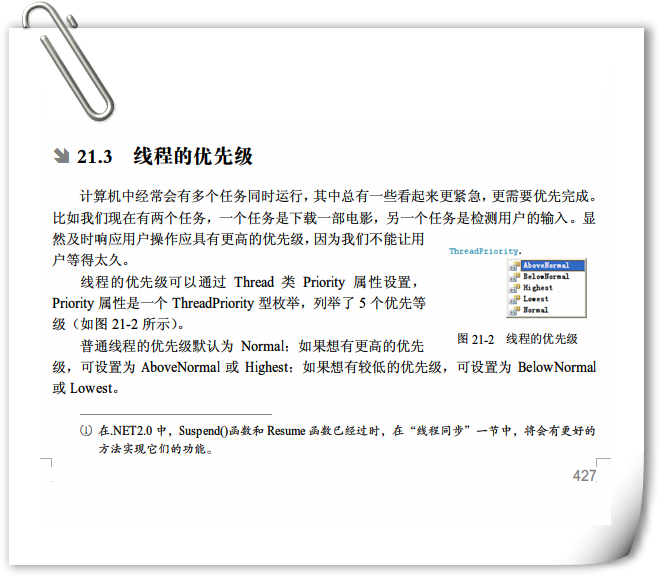
| 優先級 | 數值 | 說明 |
|---|---|---|
Lowest | 0 | 最低,僅在系統閒置時執行 |
BelowNormal | 1 | 低於正常 |
Normal | 2 | 預設,標準優先級 |
AboveNormal | 3 | 高於正常 |
Highest | 4 | 最高,搶佔性最強 |
ProcessPriorityClass)與線程優先級疊加決定最終有效優先級。using System;
using System.Threading;
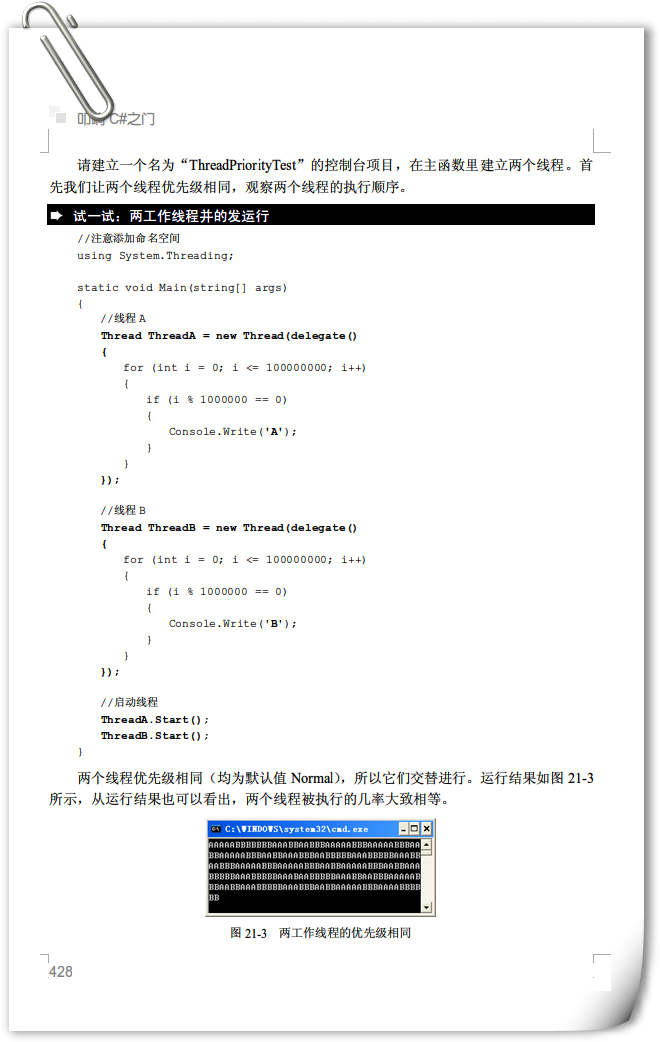
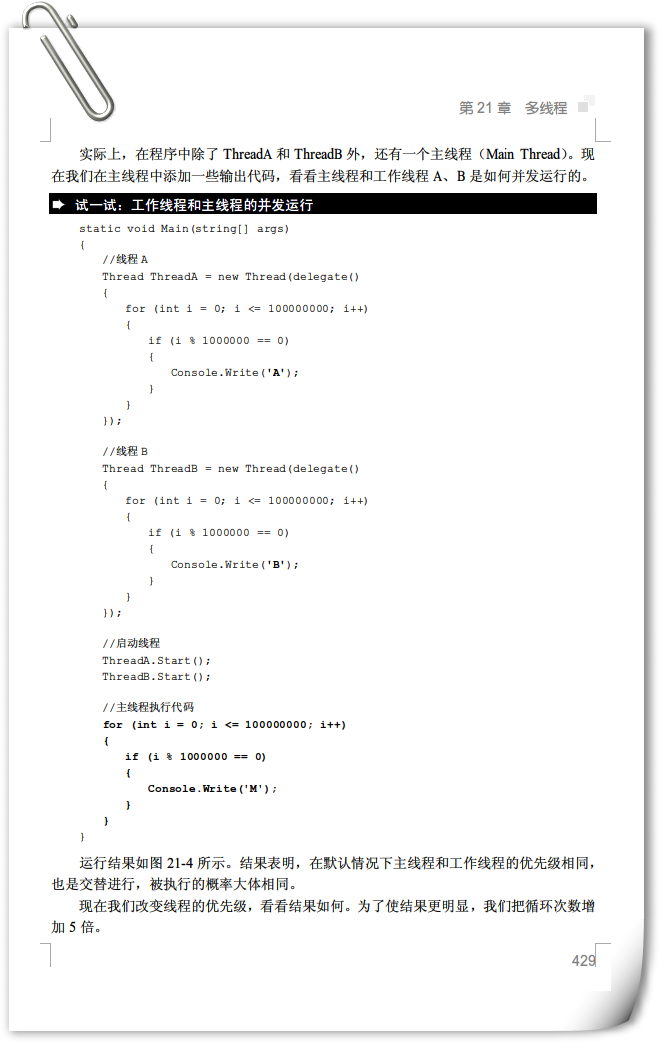
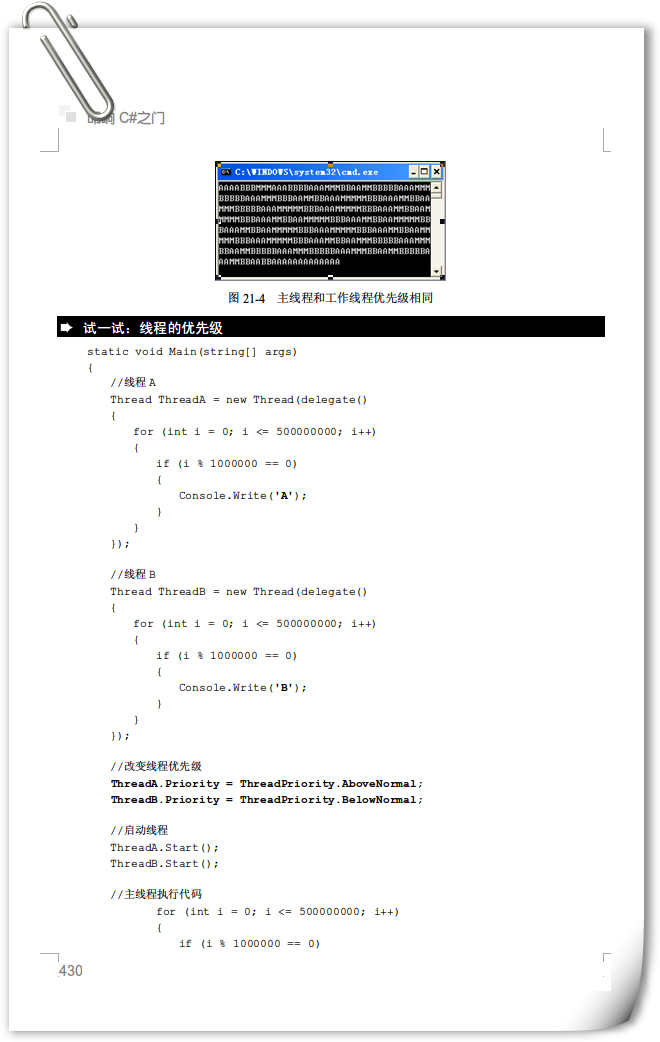
class PriorityDemo
{
static int lowCount = 0, highCount = 0;
static bool stop = false;
static void Main()
{
Thread low = new Thread(() => { while (!stop) lowCount++; }) { Priority = ThreadPriority.Lowest };
Thread high = new Thread(() => { while (!stop) highCount++; }) { Priority = ThreadPriority.Highest };
low.Start();
high.Start();
Thread.Sleep(2000);
stop = true;
low.Join(); high.Join();
Console.WriteLine("Lowest: {0:N0}", lowCount);
Console.WriteLine("Highest: {0:N0}", highCount);
Console.WriteLine("比率: {0:F1}:1", (double)highCount / lowCount);
}
}典型輸出:Highest 計數遠高於 Lowest,但比率受 CPU 核心數、其他進程干擾影響。
| ProcessPriorityClass | 說明 |
|---|---|
Idle | 僅在系統閒置執行 |
BelowNormal | 低於標準 |
Normal | 預設 |
AboveNormal | 高於標準 |
High | 高優先級 |
RealTime | 最高,可能導致系統卡頓,慎用 |
using System.Diagnostics;
Process.GetCurrentProcess().PriorityClass = ProcessPriorityClass.AboveNormal;BelowNormal 或 Lowest(如定期清理、索引建立)。AboveNormal 或 Highest(如音訊播放、輸入處理),但慎防餓死其他線程。(原文包含五張圖片,展示優先級列舉、排程器運作、進程/線程優先級疊加、實測程式碼、結果分析)