在 使用 DropDownList 過濾的主/從報表 中使用 GridView 建立主從報表,顯示主記錄供用戶查看從記錄詳細內容。主從報表呈現一對多關係與多欄位表格資訊的理想選擇。前面已學 GridView 與 DetailsView 實作,本章及後兩章將複習概念,重點學習使用 DataList 與 Repeater 實作。
學習使用 DropDownList 包含主記錄,DataList 顯示從記錄。
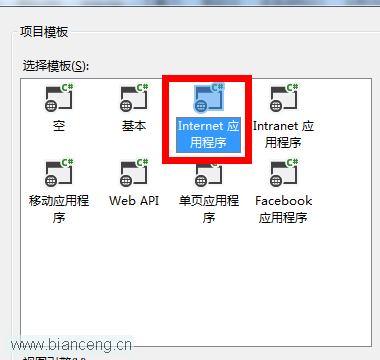
首先新增本教程使用的資料夾 DataListRepeaterFiltering 與頁面,新建頁面時記得選擇 Site.master。
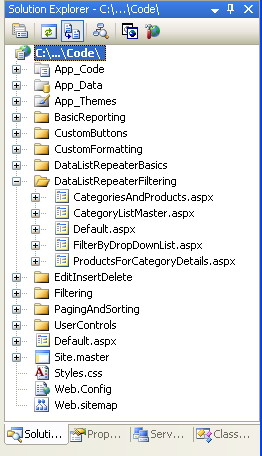
圖 1:建立 DataListRepeaterFiltering 資料夾與頁面
接著開啟 Default.aspx,將 SectionLevelTutorialListing.ascx 使用者控制項拖入。
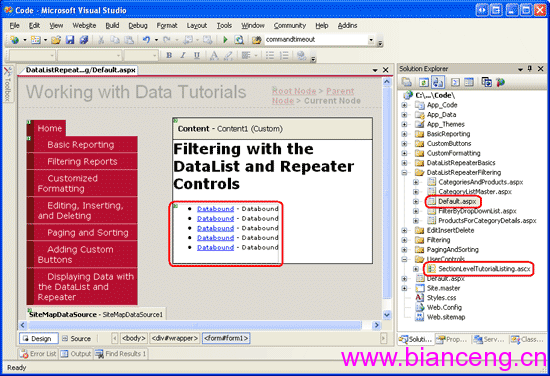
圖 2:在 Default.aspx 頁面加入 SectionLevelTutorialListing.ascx