專案需求:讀取 VoiceXML 模板檔,動態替換屬性值、新增節點,最後以串流輸出至瀏覽器 (Content-Type: text/xml)。
<?xml version="1.0" encoding="utf-8"?>
<vxml>
  <form>
    <field name="val"></field>
    <block>
      <if cond="val < 9" />
      <if cond="val > 2" />
    </block>
  </form>
</vxml>
public partial class Vxml : System.Web.UI.Page
{
    protected void Page_Load(object sender, EventArgs e)
    {
        Response.Clear();
        Response.ContentType = "text/xml"; // 關鍵:輸出 XML 而非 HTML

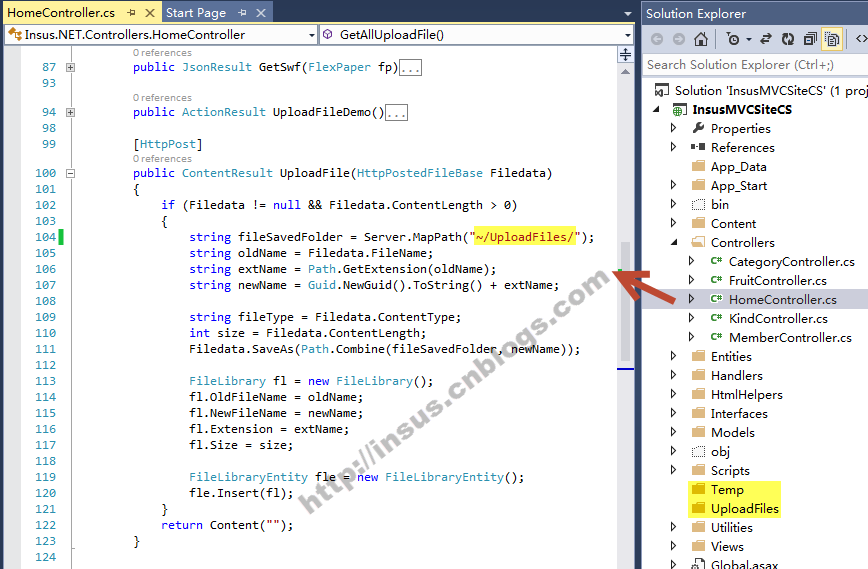
        string path = Server.MapPath("TestTemplate.vxml");
        XmlDocument doc = new XmlDocument();
        doc.Load(path);

        XmlElement root = doc.DocumentElement;

        // 1. 遍歷 form 子節點
        foreach (XmlNode formNode in root.ChildNodes)
        {
            if (formNode.Name != "form") continue;

            foreach (XmlNode child in formNode.ChildNodes)
            {
                // 替換 field name="val" → name="老鼠"
                if (child.Name == "field" && child.Attributes["name"]?.Value == "val")
                {
                    child.Attributes["name"].Value = "老鼠";
                }
                // 替換 block 內 if cond 包含 "val" → "老鼠"
                else if (child.Name == "block")
                {
                    foreach (XmlNode ifNode in child.ChildNodes)
                    {
                        string cond = ifNode.Attributes["cond"]?.Value;
                        if (!string.IsNullOrEmpty(cond) && cond.Contains("val"))
                        {
                            ifNode.Attributes["cond"].Value = "老鼠" + cond.Substring(3);
                        }
                    }
                }
            }

            // 2. 動態新增節點 <老鼠 zizi="...">...</老鼠>
            XmlElement newNode = doc.CreateElement("老鼠");
            newNode.SetAttribute("zizi", "...");
            newNode.InnerText = "...";
            formNode.AppendChild(newNode); // 或 InsertBefore(newNode, formNode.LastChild)
        }

        // 3. 串流輸出 (不落地檔案)
        doc.Save(Response.OutputStream);
    }
}
XmlReader/XmlWriter 流式處理。node.Attributes["name"]?.Value 安全取值,避免 NullReference。cond.Substring(3) 保留運算子與數值,僅替換變數名。doc.Save(Response.OutputStream) 直接寫入 HTTP 回應串流,效能最佳、無暫存檔。<?xml version="1.0" encoding="utf-8"?>
<vxml>
<form>
<field name="老鼠" />
<block>
<if cond="老鼠 < 9" />
<if cond="老鼠 > 2" />
</block>
<老鼠 zizi="...">...</老鼠>
</form>
</vxml>
此模式廣泛應用於動態 Sitemap、RSS/Atom Feed、Web Service 回應、配置檔即時編輯等場景。