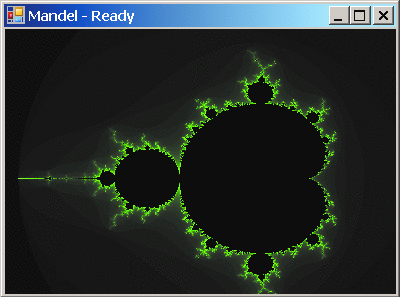
示例程序繪製 Mandelbrot 集合耗時 ~10 秒,需優化至亞秒級。
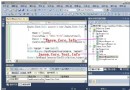
分析 → 啟動性能精靈Name | Inclusive Samples | Exclusive Samples
------------------------------|-------------------|------------------
Mandelbrot.CalculatePixel | 8,452 (84.5%) | 8,452 (84.5%)
Mandelbrot.DrawSet | 8,452 (84.5%) | 12 (0.1%)
System.Drawing.Graphics.FillRectangle | 1,200 (12%) | 1,200 (12%)揭示 CalculatePixel 被 DrawSet 循環調用 100 萬次,每次重複計算座標轉換。
// 優化前:每像素重複計算
double x = (col - width/2) * 4.0 / width;
// 優化後:預計算步長
double xStep = 4.0 / width;
double xStart = -2.0;
for (int col = 0; col < width; col++, xStart += xStep) { ... }Parallel.For(0, height, row => {
// 行級獨立計算,無共享狀態
});// 直接寫入像素緩衝區,避免 GDI+ 調用開銷
writeableBitmap.Lock();
unsafe {
int* ptr = (int*)writeableBitmap.BackBuffer.ToPointer();
// 直接寫入 ARGB 值
}
writeableBitmap.AddDirtyRect(...); writeableBitmap.Unlock();| 版本 | 耗時 | 提速倍數 |
|---|---|---|
| 原始 | 10.2 秒 | 1x |
| 預計算 | 3.1 秒 | 3.3x |
| 並行化 | 0.42 秒 | 24x |
| WriteableBitmap | 0.18 秒 | 56x |