Business Connectivity Services (BCS) 讓 SharePoint 整合外部資料來源。本文示範使用 Visual Studio 2010 建立視覺化 WebPart,透過 BCS 物件模型連接服務並取得實體資料。
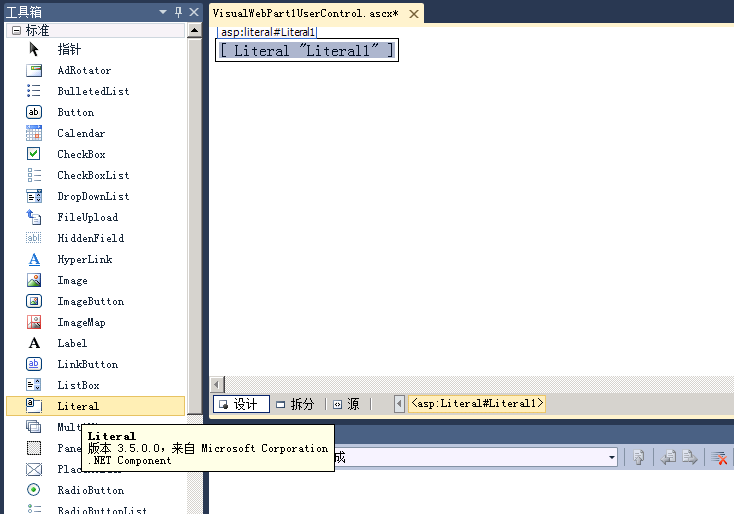
Literal 控制項,用於顯示回傳資訊。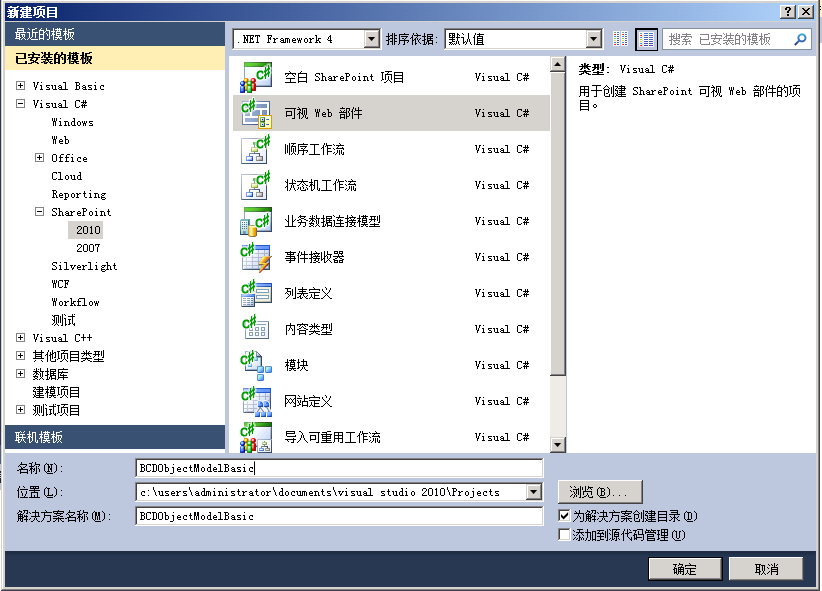
using Microsoft.BusinessData.Runtime;
using Microsoft.SharePoint.WebControls;

public partial class BCSWebPartUserControl : UserControl
{
    protected void Page_Load(object sender, EventArgs e)
    {
        // 1. 取得 LobSystemInstance
        // 2. 取得 Entity
        // 3. 執行 Finder/SpecificFinder 方法
        // 4. 將結果繫結至 Literal 或其他控制項
    }
}
LobSystemInstance:外部系統執行個體(連線字串、驗證)。Entity:實體定義(欄位、方法、關聯)。MethodInstance:Finder、SpecificFinder、Updater 等操作。EntityInstance:實際資料列物件。BCS 物件模型提供強型別、伺服器端的外部資料存取方式,配合 Visual WebPart 可快速建置整合外部系統的 SharePoint 元件。