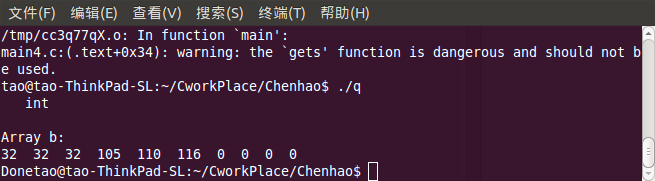
腳本模式:命令行輸出
import sqlite3 as db

conn = db.connect('test.db')
conn.row_factory = db.Row
cursor = conn.cursor()
cursor.execute('SELECT * FROM person')
for row in cursor.fetchall():
    print(f"{row['name']} | {row['age']} | {row['address']}")
conn.close()
CGI 模式:輸出 HTML 表格
#!/usr/bin/env python3
import sqlite3 as db
import sys
conn = db.connect('test.db')
conn.row_factory = db.Row
cursor = conn.cursor()
cursor.execute('SELECT * FROM person')
rows = cursor.fetchall()
sys.stdout.write('Content-Type: text/html; charset=utf-8\r\n\r\n')
sys.stdout.write('Person List')
sys.stdout.write('| Name | Age | Address |
|---|
')
for row in rows:
sys.stdout.write(f'| {row["name"]} | {row["age"]} | {row["address"]} |
')
sys.stdout.write('
')
conn.close()
關鍵點
row_factory = db.Row 使結果支持字典式訪問;- CGI 輸出必須先發送 HTTP 頭(含空行),再發送 HTML;
- 生產環境建議使用模板引擎(Jinja2)分離邏輯與視圖。