在 Visual Studio Debug 模式下編譯成功,但調試時彈出「An application has made an attempt to load the C runtime library incorrectly」並觸發斷點,這是典型的 CRT(C Runtime Library)版本不匹配或堆疊損壞問題。
錯誤訊息提示「ConstructionLift.exe 已觸發了一個斷點」,通常發生在:
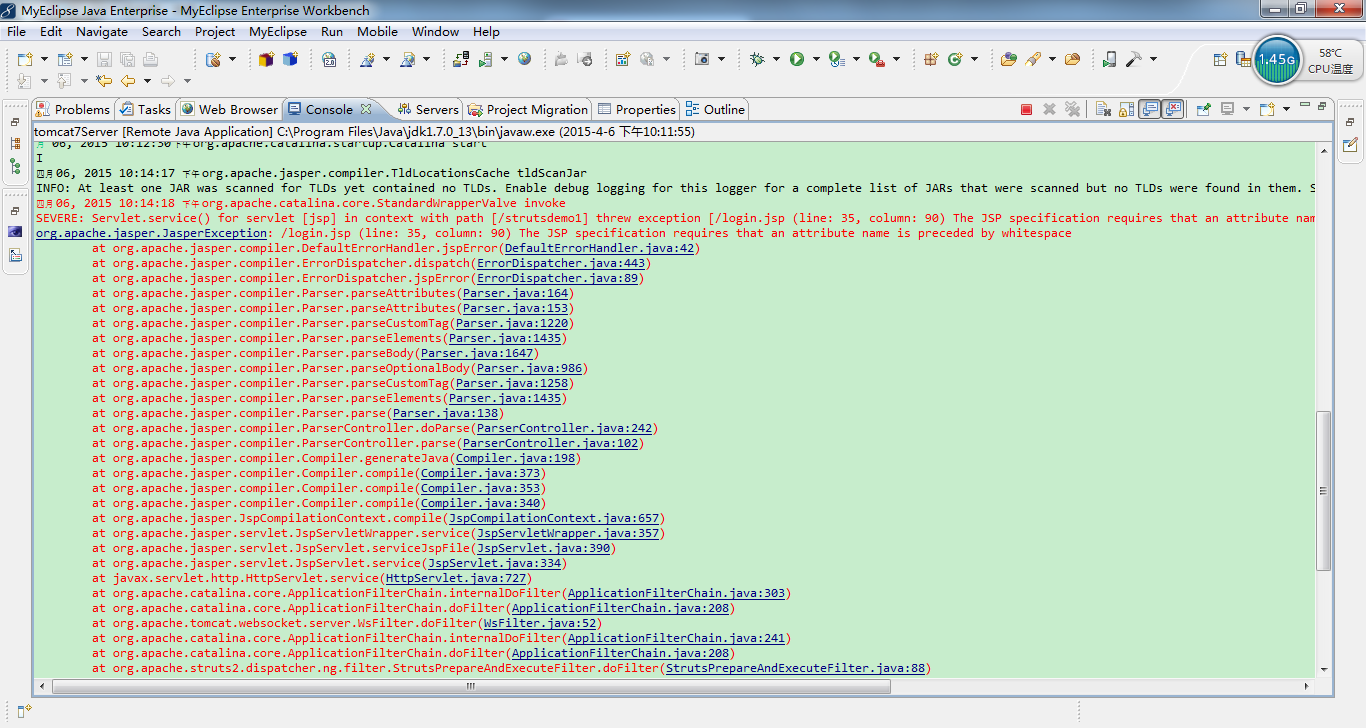
std::string、std::vector 等最佳回答給出關鍵建議:「在你的斷點觸發的堆疊上,從上往下,找第一個你編寫的代碼的函數」。具體操作步驟:
ntdll.dll、msvcr120d.dll 等)檢查:專案屬性 → C/C++ → Code Generation → Runtime Library
/MDd(動態)或 /MTd(靜態)/MD 或 /MT// 錯誤示例:緩衝區溢位
char buf[10];
strcpy(buf, "這個字串太長了會溢位"); // 寫入超出邊界,破壞堆疊元資料
// 正確做法
strncpy(buf, source, sizeof(buf)-1);
buf[sizeof(buf)-1] = '\0';// 錯誤
free(ptr);
free(ptr); // 雙重釋放
// 或
free(ptr);
strcpy(ptr, "data"); // 使用已釋放記憶體
// 正確做法
free(ptr);
ptr = NULL; // 防止誤用禁止在 DLL 介面使用 std::string、std::vector、std::shared_ptr 等 STL 類型或自定義 C++ 類別。
改用:C 風格介面(const char*、原始指標、純虛介面類)。
總結:遇到此錯誤別慌,直接看呼叫堆疊找到你的第一個函數,90% 情況下問題就在那幾行代碼中。統一 CRT 版本、檢查記憶體操作、避免跨 DLL 傳 C++ 物件,即可徹底解決。