*** Terminating app due to uncaught exception 'NSInternalInconsistencyException',
reason: '-[UIViewController _loadViewFromNibNamed:bundle:] loaded the "CalendarView" nib but the view outlet was not set.'
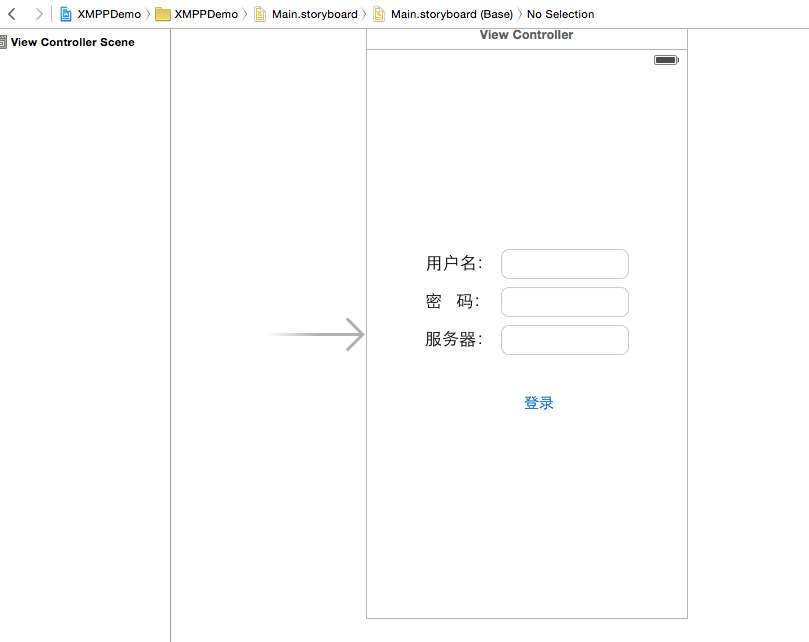
CalendarViewController 關聯的 XIB/Storyboard 中,**File's Owner 的 view outlet 未連結到視圖物件**。當控制器嘗試載入 nib 時,找不到根視圖,拋出異常。
CalendarView.xib(或 Storyboard 中對應場景)。CalendarViewController。view outlet,拖曳連線到畫面上的根 View 物件。原始碼中以 CalendarViewController *calendar = [[CalendarViewController alloc] init]; 初始化,若有同名 nib 會自動載入。若 nib 名稱與類別不同,需改用 initWithNibName:bundle: 指定。
AppDelegate 中建立根視圖控制器,確保 window.rootViewController 指派正確,並在 didFinishLaunchingWithOptions 中完成。修正 outlet 連結後,重新執行即可解決「view outlet was not set」崩潰問題。