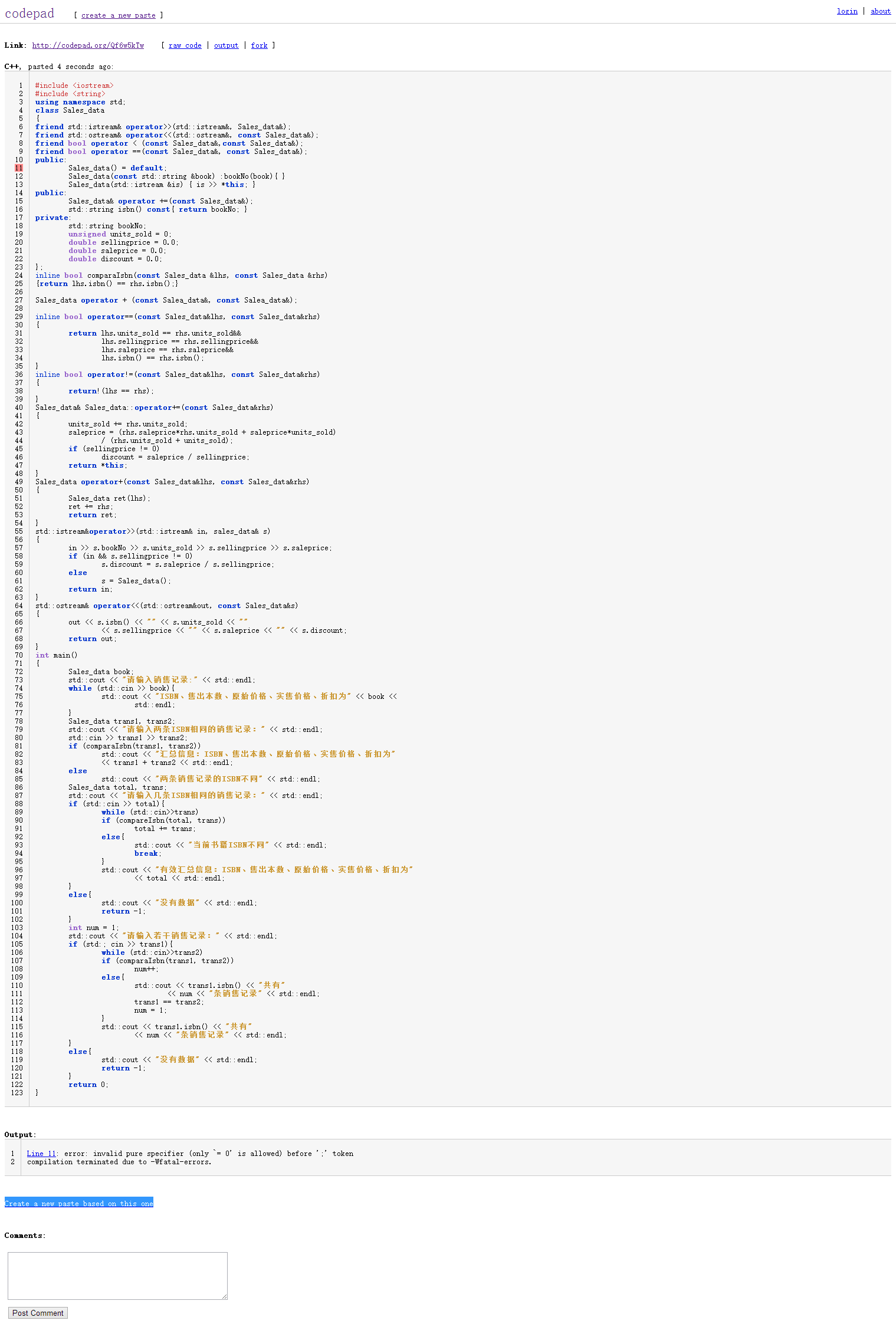
自定義 `MyView : UIView` 內嵌 `UIScrollView` 與 `UIPageControl`,若 `initWithImageList:andFrame:` 中未給 `self.frame = frame`,導致 View 本身 frame 為 `CGRectZero`,觸摸事件無法傳遞給內部 ScrollView,表現為「無法拖拽」。
- (instancetype)initWithImageList:(NSArray *)imgArr andFrame:(CGRect)frame {
    self = [super init];
    if (self) {
        // ❌ 缺少這行,self.frame 仍為 (0,0,0,0)
        // self.frame = frame;

        [self createScrollView:imgArr andFrame:frame];
        [self createPageControl:imgArr andFrame:...];
    }
    return self;
}
- (instancetype)initWithImageList:(NSArray *)imgArr andFrame:(CGRect)frame {
    self = [super init];
    if (self) {
        self.frame = frame;  // ✅ 必須先設定自身 frame
        self.userInteractionEnabled = YES; // 確保接收觸摸

        [self createScrollView:imgArr andFrame:frame];
        [self createPageControl:imgArr andFrame:...];
    }
    return self;
}

- (void)createScrollView:(NSArray *)imgArr andFrame:(CGRect)frame {
    self.scrollView = [[UIScrollView alloc] initWithFrame:CGRectMake(0, 0, frame.size.width, frame.size.height)];
    self.scrollView.contentSize = CGSizeMake(frame.size.width * (imgArr.count + 2), frame.size.height);
    self.scrollView.pagingEnabled = YES;
    self.scrollView.showsHorizontalScrollIndicator = NO;
    self.scrollView.delegate = self; // 如需頁碼同步
    // ... 添加 UIImageView 子視圖
    [self addSubview:self.scrollView];
}
補上 `self.frame = frame` 後,觸摸事件正常命中 ScrollView,拖拽與分頁即刻恢復正常。