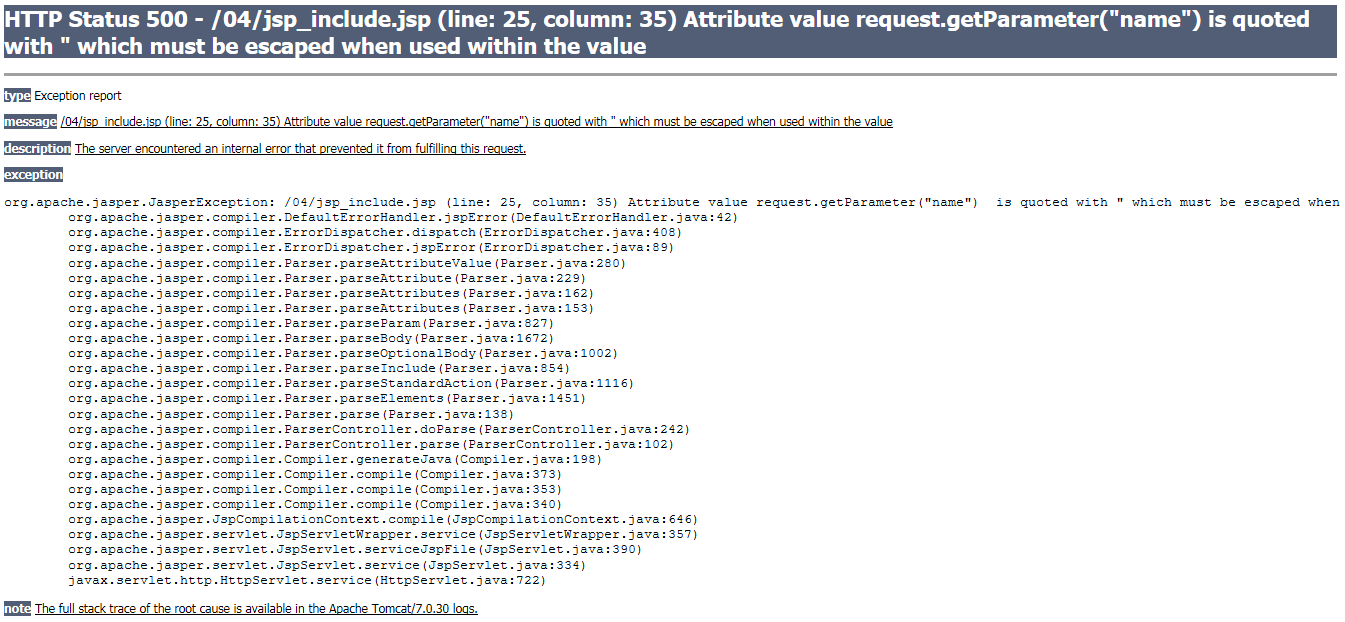
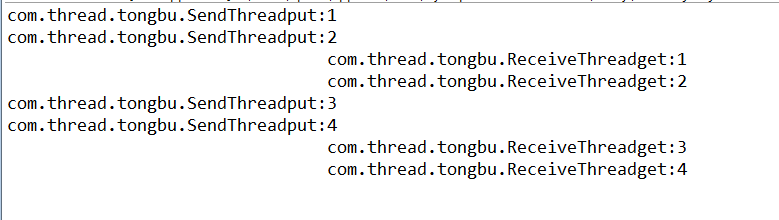
在 IIS 中建立網站,瀏覽目錄正常,但點擊 conn.asp 顯示 An error occurred on the server...,經典 ASP 頁面無法執行。
Windows 7/8/10/Server 2008R2+ 內建的 IIS 7.0 以上版本,**預設未安裝 ASP (Classic ASP) 支援模組**,僅支援 ASP.NET。
asp.dll 處理常式對應。在 IIS 管理員 → 網站 → 處理常式對應 中,應看到 *.asp 對應到 asp.dll 的 StaticFile 模組。
<%
dim conn, connstr, db
db = "datum/Database1.mdb"
Set conn = Server.CreateObject("ADODB.Connection")
' 64 位元系統建議使用 ACE Provider,若僅有 32 位元 JET 需啟用應用程式集區 32 位元模式
connstr = "Provider=Microsoft.ACE.OLEDB.12.0;Data Source=" & Server.MapPath(db)
' 或舊版 JET:Provider=Microsoft.Jet.OLEDB.4.0
conn.Open connstr
%>
若資料庫為 .mdb 且環境為 64 位元,必須安裝 Microsoft Access Database Engine 2010 Redistributable (64-bit),或在應用程式集區啟用「啟用 32 位元應用程式」。
IUSR、IIS_IUSRS 對 datum 資料夾有讀寫權限。../ 相對路徑,需在 IIS → ASP → 啟用父路徑 設為 True。