在 Java 專案編輯 XML 檔案(如 Spring 設定檔、pom.xml、Android 資源檔)時,IDE 常對註解行顯示警告,雖不影響編譯執行,但干擾開發專注度。
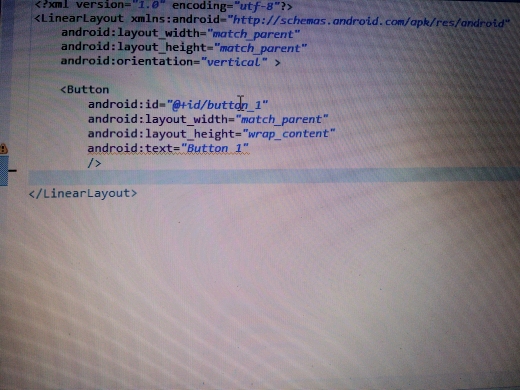
在 IDE 設定中調整警告等級:
Settings → Editor → Inspections → XML → "Unused import" 或 "Invalid XML" → 降級為 Warning 或關閉
將游標置於警告行,按 Ctrl+1(IntelliJ/Eclipse)選擇建議修復:
xmlns:xsi="https://www.w3.org/2001/XMLSchema-instance"xsi:schemaLocation 指定 Schema 位置| IDE | 調整警告等級路徑 | 快速修復快捷鍵 |
|---|---|---|
| IntelliJ IDEA | Settings → Editor → Inspections → XML | Alt+Enter |
| Eclipse | Window → Preferences → XML → XML Files → Validation | Ctrl+1 |
| VS Code | settings.json 設定 "xml.validation.ignoreWarnings" | Ctrl+. |
xmllint --schema)妥善處理 XML 警告,不僅能淨化開發環境,更能預防執行時期的設定錯誤。