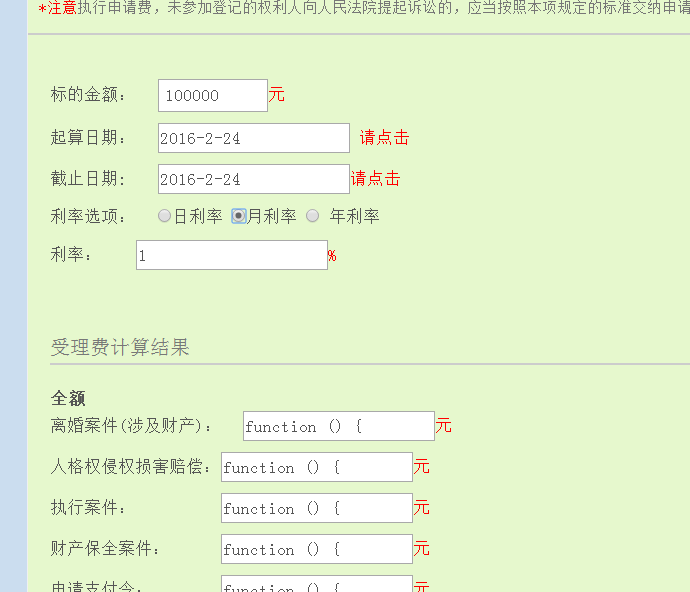
頁面包含價格、數量、手續費率三個輸入框,要求任一輸入變化時實時計算並顯示金額、手續費,且多檔手續費率同時生效。
change 事件到計算函數。toFixed(2) 保留兩位小數。<script src="https://cdn.jsdelivr.net/npm/jquery@1.11.1/dist/jquery.min.js"></script>
<div> 價格:<input id="price" type="number" step="0.01" /> 元/份
數量:<input id="amount" type="number" step="1" /> 份 </div>
<table id="tbRst">
<tr><th></th><th>金額</th><th>手續費</th><th>費率%</th></tr>
<tr><td>申購</td><td><input readonly/></td><td><input readonly/></td><td><input id="poundage1" value="1.5" /></td></tr>
<tr><td>認購</td><td><input readonly/></td><td><input readonly/></td><td><input id="poundage2" value="1.2" /></td></tr>
<tr><td>贖回</td><td><input readonly/></td><td><input readonly/></td><td><input id="poundage3" value="0.5" /></td></tr>
</table>
<script>
function calculate() {
const price = parseFloat($('#price').val()) || 0;
const amount = parseFloat($('#amount').val()) || 0;
const money = price * amount;
$('#tbRst tr:gt(0)').each(function() {
const $inputs = $('input', this);
const rate = parseFloat($inputs.eq(2).val()) || 0;
const fee = money * rate / 100;
$inputs.eq(0).val((money + fee).toFixed(2));
$inputs.eq(1).val(fee.toFixed(2));
});
}
$('#price, #amount, #poundage1, #poundage2, #poundage3').on('input change', calculate);
</script>input 事件配合 change 兼容鍵盤輸入與鼠標修改。calculate() 顯示默認值。