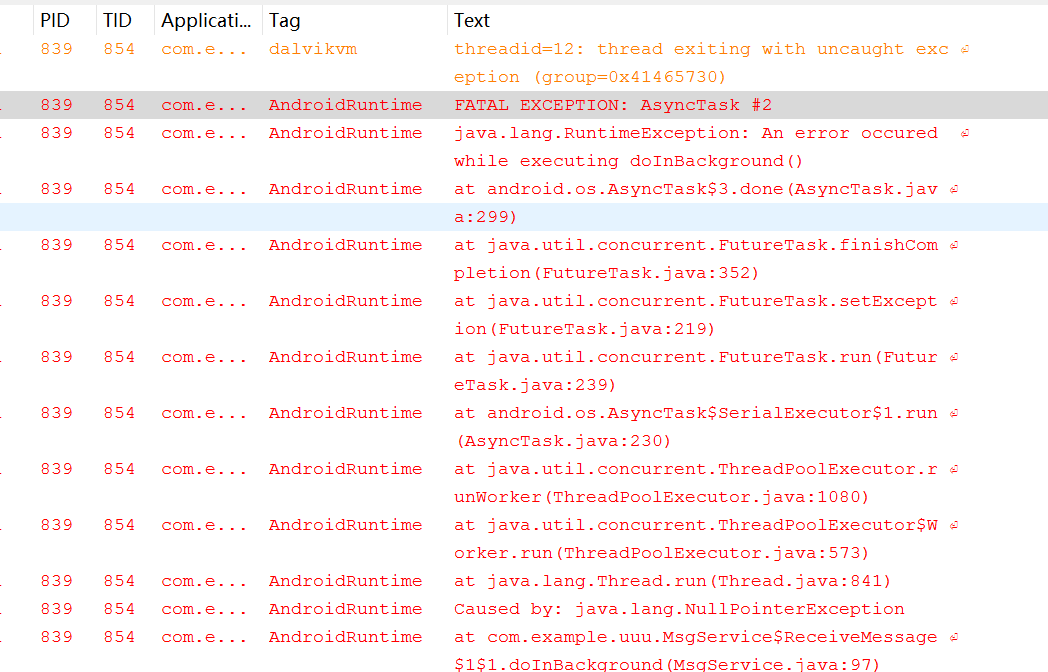
在 Spring 應用中啟用事務管理時,若控制台拋出 XML 解析異常,通常是配置文件編寫不規範導致。以下是常見錯誤類型及修復建議:
確保 <beans> 根元素引入了正確的 tx 命名空間,且 xsi:schemaLocation 指向的 XSD 版本與 Spring 版本一致。例如:
<beans xmlns="https://www.springframework.org/schema/beans"
       xmlns:tx="https://www.springframework.org/schema/tx"
       xsi:schemaLocation="
         https://www.springframework.org/schema/beans https://www.springframework.org/schema/beans/spring-beans.xsd
https://www.springframework.org/schema/tx https://www.springframework.org/schema/tx/spring-tx.xsd">必須定義 PlatformTransactionManager 實現(如 DataSourceTransactionManager),並確保其 dataSource 屬性引用正確的數據源 Bean。
transaction-manager 屬性指向正確的管理器 Bean ID。pointcut 表達式語法錯誤會導致解析失敗。檢查是否有未閉合標簽、屬性值缺少引號、特殊字符未轉義(如 & 應寫為 &)。
<tx:annotation-driven/>,確認啟動正常後再逐步添加業務 Bean。遵循規範配置,大多數 XML 解析問題都能快速定位解決。