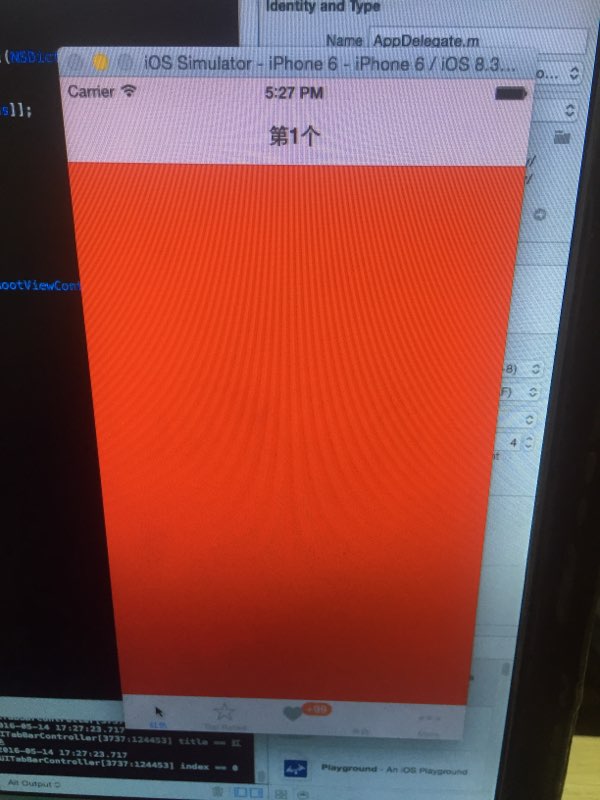
在標籤欄控制器(UITabBarController)中包含多個視圖控制器,預設只能為根視圖控制器添加導航控制器。若需每個分頁都擁有獨立的導航欄(支持 Push、Pop 操作),必須為每個視圖控制器單獨包裝一個 UINavigationController。
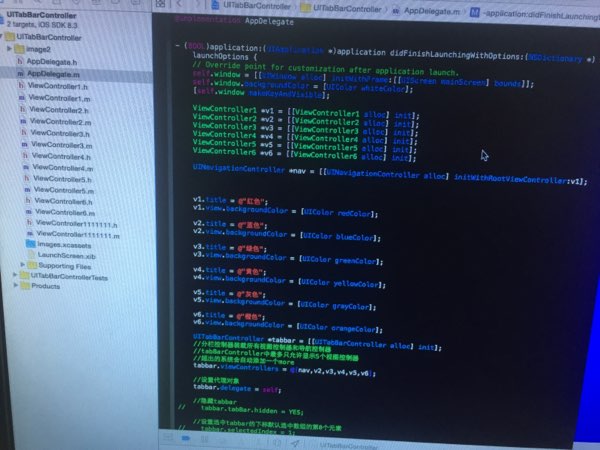
viewControllers 屬性。HomePageVC *homeVC = [[HomePageVC alloc] init];
UINavigationController *homeNav = [[UINavigationController alloc] initWithRootViewController:homeVC];
ChatSessionVC *msgVC = [[ChatSessionVC alloc] init];
UINavigationController *msgNav = [[UINavigationController alloc] initWithRootViewController:msgVC];
FindHomeVC *findVC = [[FindHomeVC alloc] init];
UINavigationController *findNav = [[UINavigationController alloc] initWithRootViewController:findVC];
MineVC *userVC = [[MineVC alloc] init];
UINavigationController *userNav = [[UINavigationController alloc] initWithRootViewController:userVC];
[userNav setNavigationBarHidden:YES]; // 隱藏「我的」頁導航欄
self.tabBarController.viewControllers = @[homeNav, msgNav, findNav, userNav];